
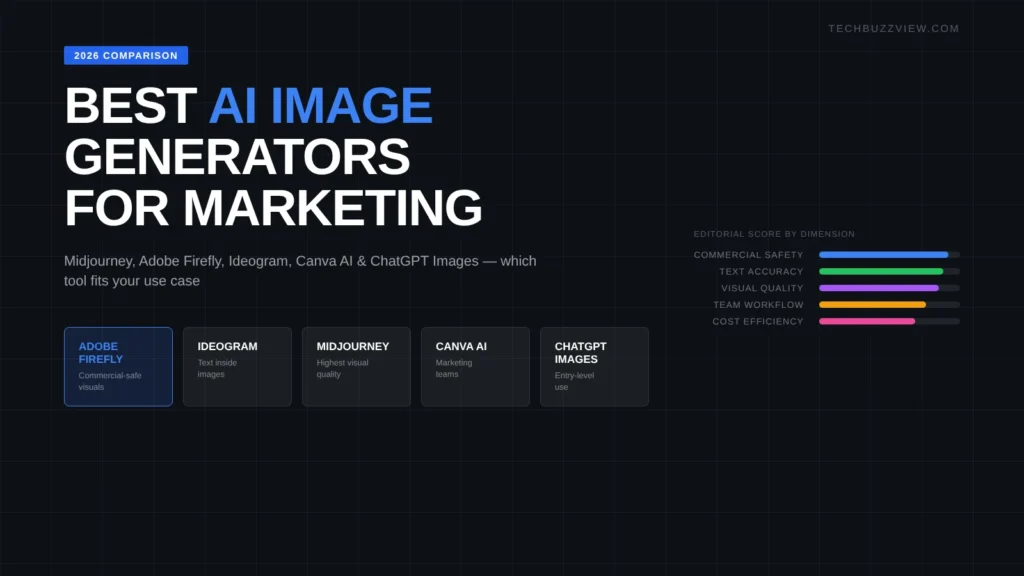
The right AI image generator for marketing depends on what you are making and who controls the resulting image. Adobe Firefly is the clearest choice when commercial licensing and brand compliance matter. Ideogram handles text inside images better than any other tool. Midjourney produces the highest visual quality for brand storytelling. Canva AI is the fastest option for teams already working in Canva. ChatGPT Images (GPT-4o) is the lowest-cost entry point if you already pay for ChatGPT. This guide covers current pricing, what each tool is actually good at, and where each falls short — alongside our broader best AI tools for small business guide — so you can pick the right tool for a specific use case rather than the most popular one.
Quick Comparison
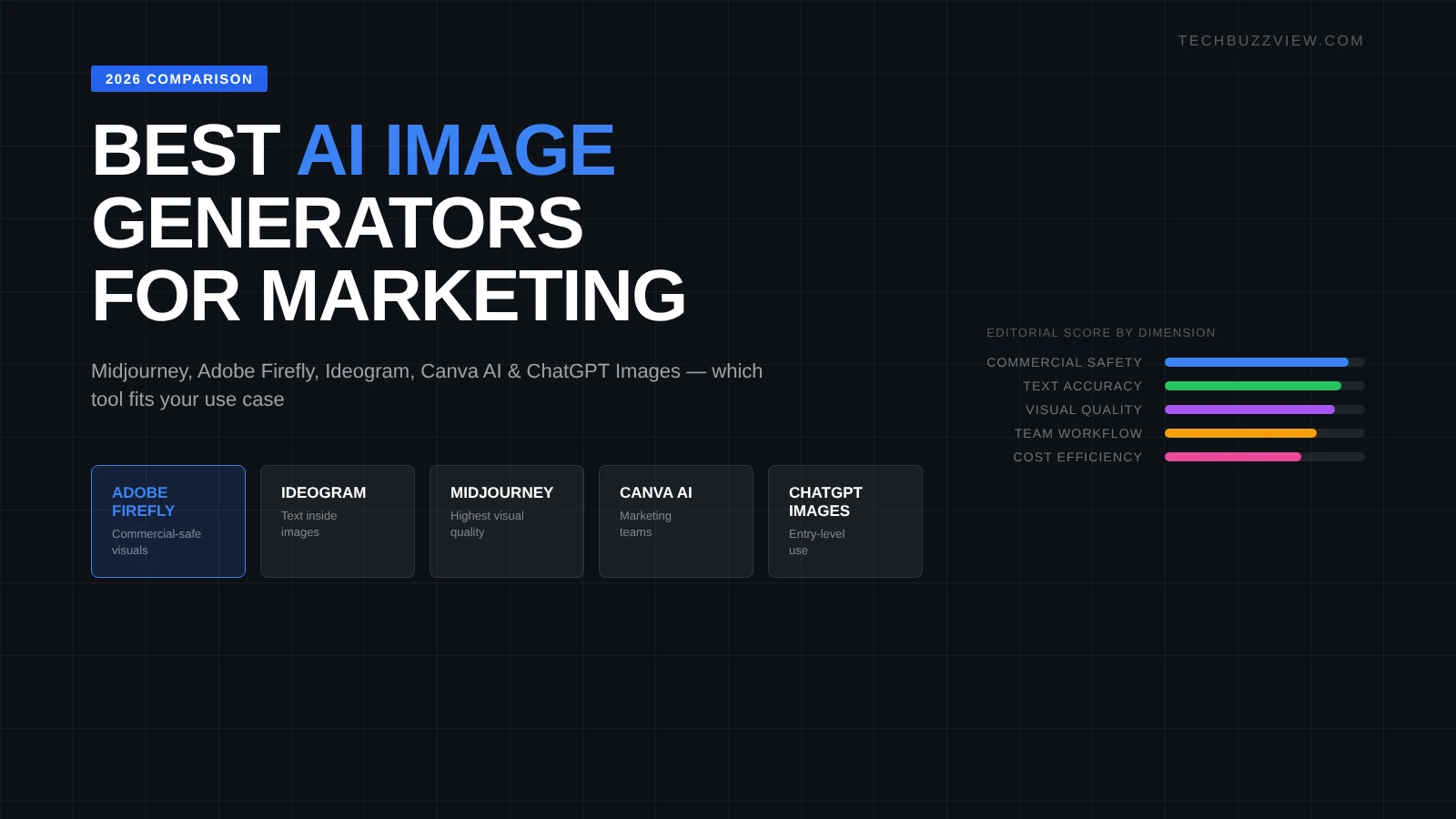
| Tool | Best for | Free tier | Paid from | Commercial license |
|---|---|---|---|---|
| Adobe Firefly | Commercial-safe visuals | Yes (25 credits/mo) | $4.99/mo (standalone) | Yes — commercially trained |
| Ideogram | Text inside images | Yes (10 slow generations/day) | $8/mo | Yes (verify current terms) |
| Midjourney | High-quality brand visuals | No | $10/mo (Basic) | Pro plan required for commercial use |
| Canva AI | Marketing teams, templates | Limited (Canva Free) | ~$15/mo (Canva Pro) | Yes within Canva’s terms |
| ChatGPT Images | Quick iterations, entry-level | Limited (ChatGPT Free) | $20/mo (ChatGPT Plus) | Check OpenAI usage policy |
Reduced-motion alternative: static comparison chart above
Pricing and plan terms change. Verify current plans on each vendor’s official pricing page before subscribing. Commercial licensing terms vary by plan — check each vendor’s terms of service for your use case.
1. Adobe Firefly — Best for Commercial-Safe Marketing Visuals
Adobe Firefly was trained on licensed and public-domain imagery, which is its main advantage over every other tool on this list. For marketing teams that need to use generated images in paid ads, product pages, or printed materials, the licensing clarity reduces legal exposure. Firefly is also integrated into Photoshop and Express, which means design teams using those tools can generate without switching context.
What it does well: Realistic textures, product-adjacent scenes, and lifestyle imagery that matches a brand style guide. The “Generative Fill” feature in Photoshop is particularly useful for extending backgrounds or replacing product context without regenerating the full image.
Limitations: Firefly’s output quality lags behind Midjourney for stylized or artistic imagery. The free tier is limited to 25 generative credits per month, which runs out quickly in a production workflow. The standalone plan ($4.99/month) gives more credits; Creative Cloud subscribers get Firefly access included, though credit allocations depend on the plan.
Verdict: The right choice for teams where legal review is a bottleneck and for Photoshop-based workflows. Not the right choice if pure visual quality is the primary criterion.
2. Ideogram — Best for Text Inside Images
Readable, accurate text inside generated images has been a persistent failure mode for AI image generators. Ideogram addresses this more reliably than its competitors. For marketing use cases that involve ad copy inside the image, event posters, promotional banners, or social media graphics with branded text, Ideogram is the most practical tool available as of late 2026.
What it does well: Rendering accurate words, numbers, and short phrases inside the generated image. It handles multiple lines of text with less distortion than Midjourney or ChatGPT Images. The free tier offers 10 slow-priority generations per day — enough for testing and low-volume use.
Limitations: Ideogram’s overall image quality and style range is narrower than Midjourney. For lifestyle or editorial photography style, it is a weaker option. At $8/month for the paid tier, it is affordable, but the tool is narrow in its use case strength.
Verdict: The go-to for any image that needs readable text — ad creatives, announcement graphics, promotional banners. Pair it with Midjourney or Firefly for images where text is not required.
3. Midjourney — Best for Visual Quality and Brand Storytelling
Midjourney consistently produces the most visually compelling outputs of any tool on this list. For campaigns that require high-quality brand imagery — editorial-style hero shots, lifestyle scenes, abstract brand visuals — Midjourney’s quality ceiling is higher than the alternatives. That quality comes with trade-offs: no free tier, a Discord-based interface that many teams find awkward, and a commercial licensing requirement that kicks in at the Pro plan.
What it does well: Cinematic composition, lighting, texture, and aesthetic consistency. If your brand has a defined visual language and you want AI to generate images that feel consistent with it, Midjourney is the most effective tool for prompt-based visual direction. The /describe command (which lets you upload an image and get a prompt back) is useful for reverse-engineering a visual style.
Limitations: No free tier. The Basic plan ($10/month) allows personal use; commercial use requires the Pro plan ($60/month) or higher. The Discord interface is unintuitive compared to web-based tools. Text inside images is poor — combine with Ideogram or post-process in Canva if text is needed. No direct API for most marketing teams.
Pricing note: Verify current plans at midjourney.com/account — plans and commercial terms have changed multiple times. At time of writing, commercial use requires the Pro plan or above. Confirm before using in a paid campaign.
Verdict: Best visual quality in the category, but the access model and commercial licensing cost make it most practical for in-house design teams with a clear campaign need rather than general marketing use.
4. Canva AI — Best for Marketing Teams Already in Canva
Canva’s built-in image generation (Magic Media, powered by Stable Diffusion and other models) is not the strongest image generator on its own. Its advantage is integration: if your team designs social posts, presentations, and email headers in Canva, generating an image and placing it immediately into a template is faster than exporting from another tool and re-importing. This workflow efficiency is worth more than raw image quality for many marketing teams.
What it does well: Speed of iteration within a design workflow. The image generation is fast and the results are “good enough” for social graphics, blog headers, and presentation slides where the image supports the content rather than being the focal point.
Limitations: Generated images are generic-looking compared to Midjourney or Firefly outputs. AI usage is capped by plan — Canva Free users get limited credits; Canva Pro (~$15/month per user) increases the limit. An AI Pass add-on is available for heavier use. If image quality is a differentiator for your brand, Canva AI will not meet the bar.
Verdict: The right tool if your team is already in Canva and speed of output matters more than visual distinctiveness. Use Canva AI for utility graphics; use Midjourney or Firefly for hero images.
5. ChatGPT Images — Best Entry-Level Option
ChatGPT’s image generation (powered by OpenAI’s image models, accessed through the ChatGPT interface) is the lowest-friction starting point for teams that already use ChatGPT. You can describe what you need in plain language, iterate conversationally, and get a usable result without learning a new tool. The output quality has improved significantly in 2026 and is now competitive with Canva AI for general marketing use.
What it does well: Rapid iteration through conversation. If you describe a scene, get feedback on it, and ask for changes, the conversational interface is faster than prompt-based tools for people who are not experienced with image generation prompts. Good for: quick mockups, ideation, blog graphics, social post images for text-heavy topics.
Limitations: ChatGPT Plus is $20/month and covers many uses, but API-based image generation is billed separately and can add up for high-volume use. Image quality and commercial licensing clarity lag behind Firefly and Midjourney. For branded campaigns where the image quality directly affects conversion, ChatGPT Images is not the right final-output tool.
Verdict: Practical for teams already using ChatGPT who need occasional images without adding a new subscription. Not the right choice for campaigns where image quality is a key performance variable.
How to Choose the Right Tool
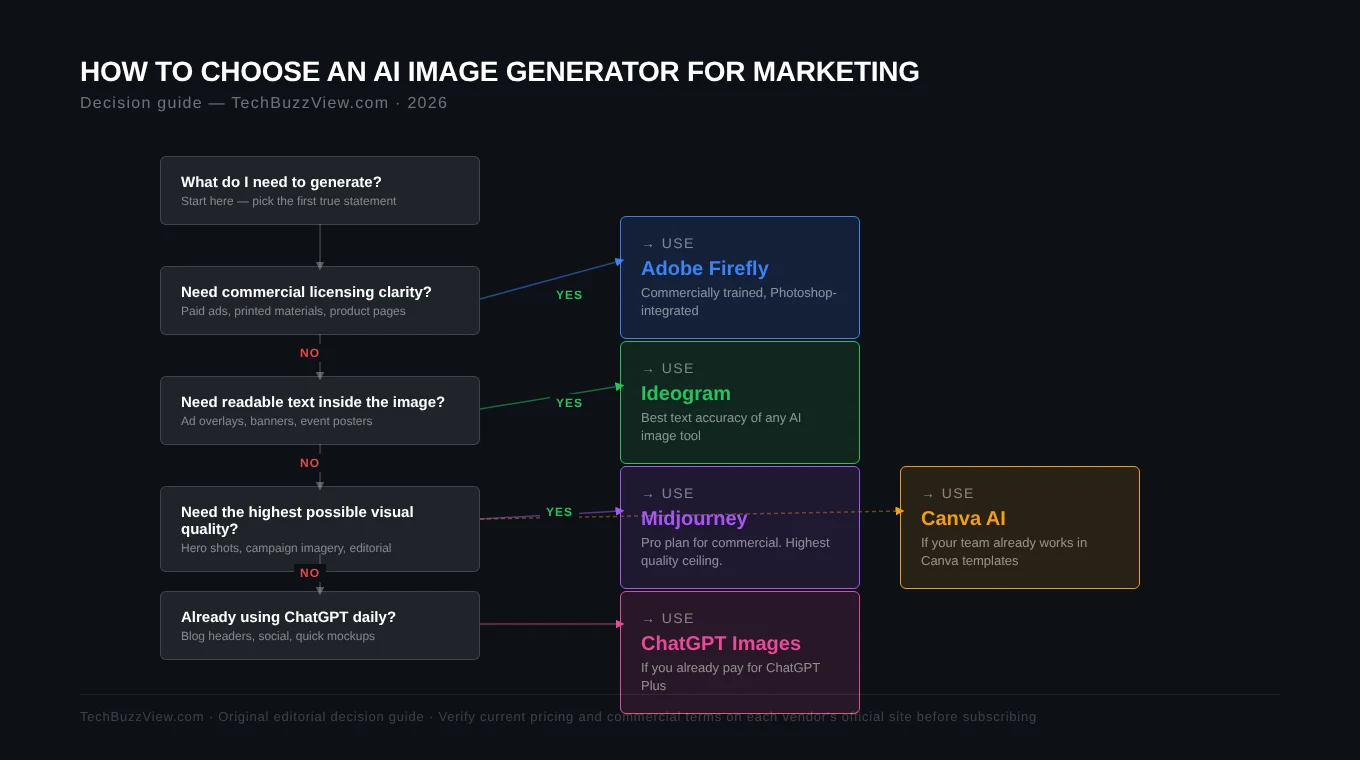
- If legal/commercial safety is your top concern → Adobe Firefly. It is the only major tool purpose-built for this.
- If your image needs readable text inside it → Ideogram. No other tool handles this reliably.
- If visual quality is the primary goal → Midjourney (Pro plan for commercial use).
- If your team lives in Canva → Canva AI. The workflow advantage outweighs the quality gap for utility graphics.
- If you already pay for ChatGPT and need occasional images → ChatGPT Images. Good enough for many non-critical uses.
Practical starting point
Run the same three prompts across two tools relevant to your use case. Use your own brand language and an example brief. The tool that produces something closest to usable on prompt one is usually the right fit for your workflow.
FAQs
Can I use AI-generated images in paid ads?
It depends on the tool and the ad platform. Adobe Firefly provides commercial licensing. For other tools, check the vendor’s terms of service under “commercial use” before running generated images in paid campaigns. Meta and Google have not banned AI-generated images, but each ad platform has content policies on misleading visuals that apply regardless of how the image was made.
Looking for AI video generation tools instead?
See our separate guide to best AI video generators in 2026 — it covers Runway, Pika, Kling and others for creating short video content.
Which AI image generator handles product images best?
None of the tools on this list reliably produce accurate images of real products. For product photography, they are useful for background generation, context scenes, and lifestyle imagery — not for making a product look different or showing features it does not have.
Is Midjourney worth $60/month for commercial use?
If your team produces three or more image-heavy campaigns per month and visual quality directly affects performance, yes. If you are using images for blog headers and social posts, Canva AI or Firefly are more cost-effective.