

If you’ve spent any time online in the past couple of years, you’ve probably used at least one of these three AI tools. Perplexity AI, ChatGPT, and Google Gemini have become the go-to AI assistants for millions of Indian students, developers, researchers, and working professionals. But they’re not all the same — and picking the wrong one for your workflow could mean slower research, less accurate answers, or a wasted subscription.
This comparison is based on researched and compared public feature documentation, pricing pages, and published capability information from each platform as of mid-2026. No proprietary benchmark testing was conducted — this is an honest, practical guide to help you decide.

Quick Overview: What Each Tool Is Actually For
Before diving into specifics, it’s worth understanding the core design philosophy of each tool:
- Perplexity AI is built as an AI-powered search engine. It combines large language models with real-time web search to give you cited, sourced answers. Think of it as Google, but it actually reads the pages and summarises them for you.
- ChatGPT (by OpenAI) is a conversational AI assistant. It’s built for dialogue, reasoning, code generation, writing, and long-form tasks. The GPT-4o model underpins most of the premium experience.
- Google Gemini is Google’s AI assistant, deeply integrated with Google Workspace and Search. It’s particularly strong for users already in the Google ecosystem and excels at multimodal tasks (text + image).
Perplexity AI: The Research-First Tool
Perplexity AI has carved out a unique niche by focusing on one thing: giving you accurate, sourced answers fast. Instead of generating text from training data alone, Perplexity actively queries the web for each question, reads the top sources, and gives you a cited summary with links.
What Perplexity Does Well
- Real-time information: Unlike ChatGPT’s base model, Perplexity has no knowledge cutoff problem — it fetches current data for each query.
- Citations: Every answer comes with numbered source links, making it excellent for academic research, fact-checking, and due diligence.
- Focused, concise answers: Perplexity keeps answers shorter and more structured than ChatGPT, which is useful when you want a quick answer, not a 1,000-word essay.
- Free tier is genuinely useful: You get unlimited basic searches for free, with Pro searches (which use more powerful models and search deeper) limited to a few per day on the free plan.
Where Perplexity Falls Short
- Not great for creative writing, long-form content generation, or coding assistance.
- The conversational experience is more transactional — it’s not a true back-and-forth reasoning assistant like ChatGPT.
- Pro plan costs $20/month — same as ChatGPT Plus — so the price is similar for full access.
Best for: Students doing research, journalists fact-checking, analysts tracking current events, anyone who needs sourced information quickly.
ChatGPT: The All-Rounder That Still Leads
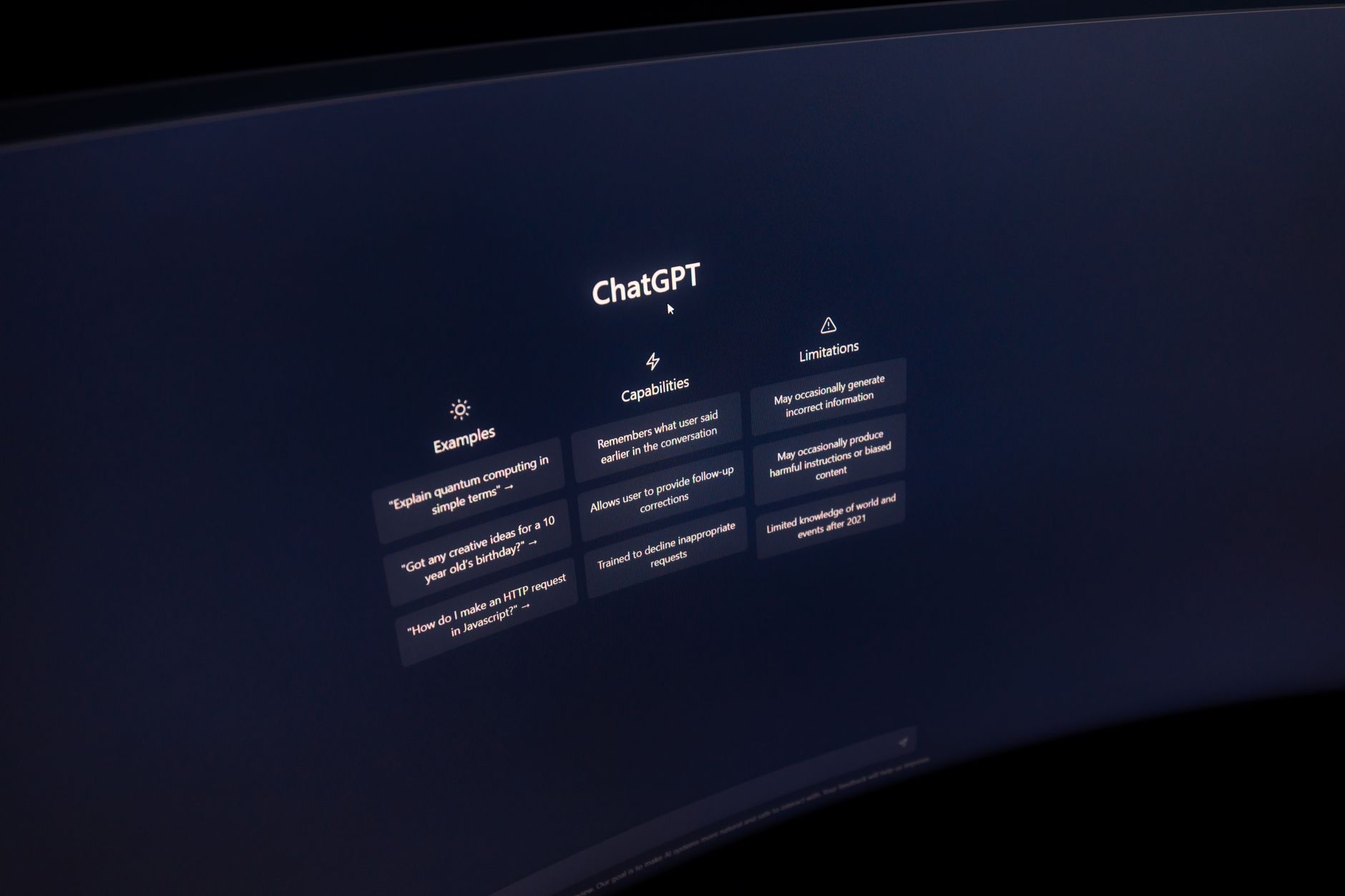
ChatGPT remains the most widely used AI assistant in the world, and for good reason. It’s the most versatile of the three tools, capable of handling everything from complex coding problems to creative writing, business strategy discussions, and long-form document analysis.
What ChatGPT Does Well
- Reasoning and complex tasks: For multi-step problems — debugging code, analysing a business case, walking through a mathematical proof — ChatGPT’s reasoning capabilities (especially with the o-series models) are best in class.
- Code generation: ChatGPT remains the preferred tool for most developers for code generation, debugging, and explaining technical concepts.
- Long-form document interaction: Upload a PDF, a dataset, or a long article and ask detailed questions — ChatGPT handles context well across long documents.
- Image generation: ChatGPT Plus includes DALL-E image generation, making it a versatile creative tool.
- Custom GPTs: The GPT Store has thousands of custom GPTs built for specific tasks — from legal document review to medical information lookup to Indian exam preparation.
Where ChatGPT Falls Short
- The free tier (GPT-3.5/limited GPT-4o) is increasingly limited. Serious use requires a Plus subscription at $20/month.
- Real-time web search is available but slower and less citation-focused than Perplexity.
- Knowledge cutoff issues can appear when the web search feature isn’t engaged.
Best for: Developers, writers, students doing assignments, professionals who need a reasoning partner for complex work, and anyone who wants one tool that does almost everything.
Google Gemini: The Google Ecosystem Play
Google Gemini is the AI assistant that benefits most from Google’s existing infrastructure. It’s deeply integrated with Gmail, Google Docs, Google Drive, Google Search, and YouTube, which gives it a significant practical advantage for users who live in Google’s ecosystem.
What Gemini Does Well
- Google Workspace integration: If you use Google Docs, Sheets, Gmail, and Drive extensively, Gemini’s ability to pull context from your own files and emails is a genuinely useful productivity boost.
- Multimodal capabilities: Gemini handles text, images, audio, and video well — more natively than ChatGPT or Perplexity.
- Free tier with strong base model: Gemini’s free tier uses Gemini 1.5 Flash and is capable enough for most everyday tasks without a subscription.
- Google Search grounding: Like Perplexity, Gemini can ground its answers in Google Search results, giving you current information with Google’s search index behind it.
- Gemini Advanced (paid tier): Uses Gemini 1.5 Pro, has a 1 million token context window, and is deeply embedded in Google One — making it a good value if you’re already paying for Google One storage.
Where Gemini Falls Short
- Still playing catch-up to ChatGPT on coding and complex reasoning benchmarks, though the gap has narrowed significantly.
- Less of a thriving third-party extension ecosystem compared to ChatGPT’s GPT Store.
- Gemini Advanced is bundled with Google One at ₹1,950/month, which may be more than you want to pay if you’re just after the AI.
Best for: Students and professionals who live in Google Workspace, anyone who uses YouTube + Google Drive heavily, and users who want a powerful free AI with good search grounding.
Head-to-Head: Which One Wins for Indian Use Cases?
For Indian Students (Exams, Research, Assignments)
Perplexity AI edges out for pure research because of citations — you can trust and verify its sources. ChatGPT is better for actually writing an essay or solving problems. Use both: Perplexity to gather sourced information, ChatGPT to structure and write.
For Indian Developers and Engineers
ChatGPT remains the strongest for code-related tasks. While Gemini’s coding has improved, ChatGPT’s breadth of language support, debugging ability, and custom GPTs for development workflows (like a dedicated Python tutor or SQL assistant) make it the better choice for most developers.
For Working Professionals (Reports, Presentations, Emails)
Google Gemini wins if you’re already in the Google Workspace ecosystem. Having AI that can read your Gmail threads, pull from your Google Drive docs, and help you draft a presentation slide-by-slide while referencing your own files is genuinely useful.
For Freelancers and Content Creators
ChatGPT wins on versatility. Creative writing, social media copy, SEO content, video scripts, editing — ChatGPT handles the full content creation workflow better than the other two.
Pricing Comparison for Indian Users (2026)
- Perplexity AI Free: Unlimited basic searches, limited Pro searches daily
- Perplexity Pro: $20/month (approx. ₹1,680)
- ChatGPT Free: Limited GPT-4o access
- ChatGPT Plus: $20/month (approx. ₹1,680)
- Google Gemini Free: Gemini 1.5 Flash model
- Google One with Gemini Advanced: From ₹1,950/month
Note: Dollar-based subscriptions from Indian accounts are subject to GST and may vary by payment method. Check the respective pricing pages for current India-specific pricing before subscribing.
The Bottom Line: Which One Should You Use?
There’s no single winner — it depends on what you’re doing:
- Use Perplexity AI when you need sourced, real-time answers fast. Keep a free account at minimum.
- Use ChatGPT when you need to think through complex problems, write, code, or get a versatile AI partner. It’s worth the subscription for power users.
- Use Google Gemini when you’re working in Google Workspace and want AI that knows your documents and emails.
Most serious users will end up using two of these tools regularly. The question is which one gets your subscription money — and that’s determined by your most common use case. For Indian students and early-career professionals on a budget, the combination of Perplexity’s free plan and Gemini’s free tier covers a lot of ground before you need to pay anything.

