Most people assume they’re reasonably private online — until a data breach notification lands in their inbox, or an ad feels uncomfortably specific. In 2026, protecting your online privacy doesn’t require a computer science degree. It requires a handful of well-chosen tools, used consistently.
This guide covers the essential security toolkit for everyday US and UK users: what each tool does, why it matters, and which options are actually worth using. No jargon, no paranoia — just practical steps that meaningfully reduce your exposure.
Why Online Privacy Matters More Than Most People Realise
Data brokers have built detailed profiles on most internet users, buying and selling information scraped from your browsing history, app usage, and purchase records. In the US, your internet service provider can legally log and sell your browsing history — anonymised, but still yours. In the UK, the Investigatory Powers Act requires ISPs to retain browsing data for 12 months.
Beyond surveillance, account takeovers and identity theft are now among the fastest-growing crimes in both countries. Phishing attacks have become sophisticated enough to fool experienced users. Data breaches expose hundreds of millions of records every year.
This isn’t about hiding anything. It’s about controlling who has access to your personal information and reducing your exposure to the real, practical risks that affect ordinary people.
1. A Password Manager — The Most Important Tool on This List
Weak and reused passwords are responsible for the vast majority of account takeovers. If you’re using the same password across multiple services, one breach exposes every account. A password manager generates, stores, and auto-fills long, unique passwords for every site — so you only need to remember one strong master password.
Password Managers Worth Using in 2026
- Bitwarden — Open source, independently audited, and free for personal use across unlimited devices. The most trustworthy free option available. bitwarden.com
- 1Password — Excellent user experience, a strong Travel Mode that hides sensitive vaults at border crossings, and the best family plan in the category. Paid only, but worth it for most households. 1password.com
- Dashlane — Includes built-in dark web monitoring to alert you when your email address appears in a known breach. Good option if proactive breach alerts are a priority. dashlane.com
For a detailed feature and pricing comparison across these tools, see the password manager comparison guide.
2. Two-Factor Authentication on Everything That Matters
A strong password alone isn’t sufficient. Two-factor authentication (2FA) adds a second verification step — usually a time-based one-time password from an app — that prevents account access even if your password has been stolen. Enable it on: your email, your bank and financial apps, your password manager itself, and any cloud storage service where you keep personal files.
Best 2FA Apps for US and UK Users
- Google Authenticator — Simple, widely supported, and now backs up codes to your Google Account. Good starting point for most users.
- Microsoft Authenticator — Slightly richer features and a good fit if you use Microsoft 365 across work and personal accounts.
- Bitwarden Premium — If you’re already using Bitwarden for passwords, the premium tier includes built-in TOTP generation — one less app to manage.
Avoid SMS-based 2FA where you have a choice. SIM-swapping attacks can intercept text messages. An authenticator app is meaningfully more secure, especially for high-value accounts like email and banking.
3. A VPN for Public and Home Networks
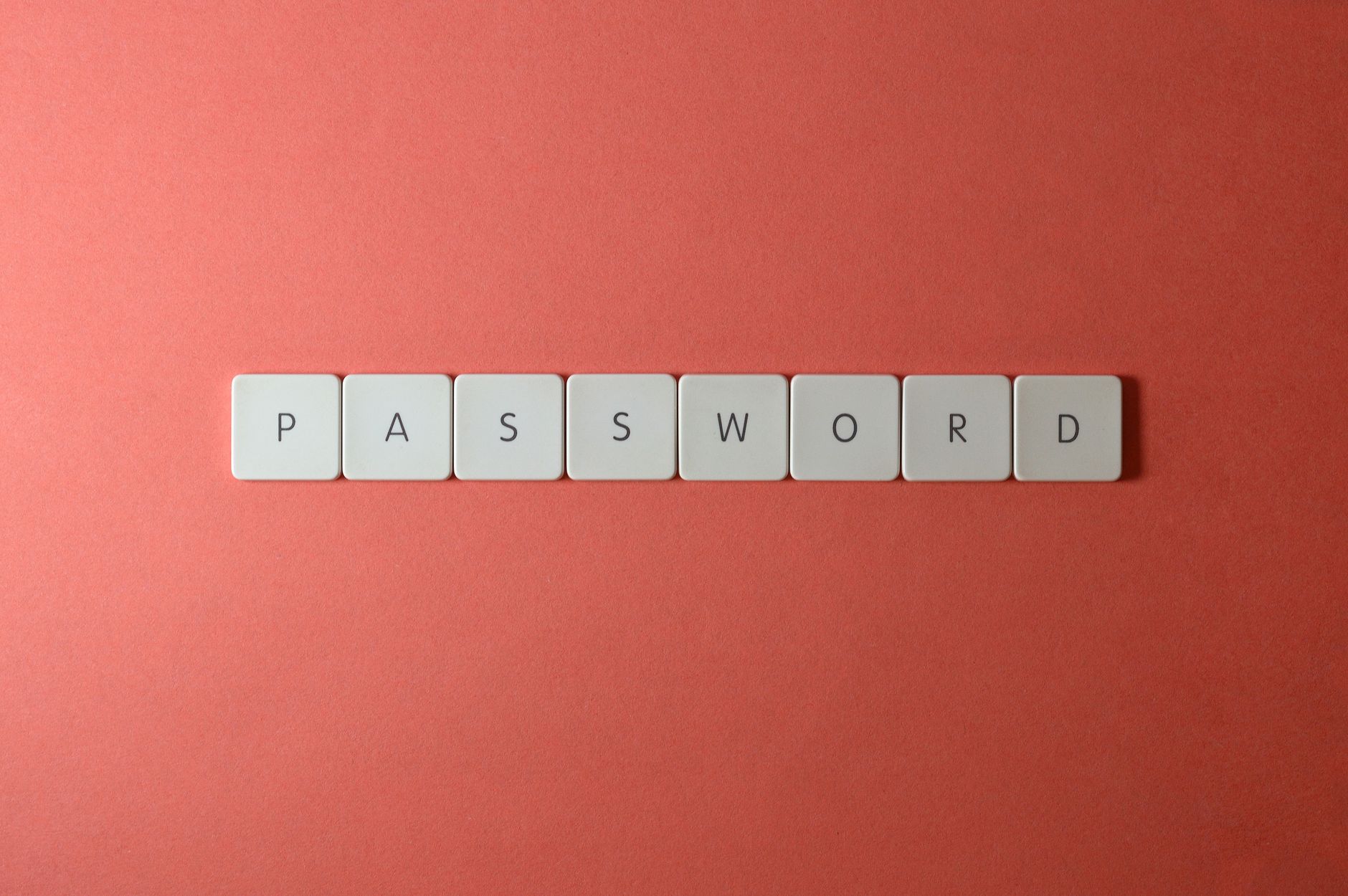
A VPN encrypts your internet connection and masks your IP address from websites, advertisers, and your ISP. It’s particularly important on public Wi-Fi at coffee shops, airports, and hotels, where unencrypted connections can be intercepted. At home, it prevents your ISP from logging and profiting from your browsing data.
VPNs That Have Earned Trust in 2026
- Mullvad VPN — No accounts required, accepts anonymous payment methods, and publishes consistent no-log audit results. The most privacy-focused commercial VPN available. mullvad.net
- ProtonVPN — Swiss-based, open source apps, free tier with no data limits, and a transparent ownership structure. Strong choice for users who want a free entry point with a credible privacy track record. protonvpn.com
- NordVPN — Faster speeds for streaming, large server network, and independent audits since 2018. Suitable if speed and ease of use matter more than maximum anonymity.
For a side-by-side VPN comparison covering speed, logging policies, and pricing, see the VPN comparison guide.
4. Switch to a Privacy-Respecting Browser
Your browser is one of the biggest data collection points in your digital life. Google Chrome syncs your browsing history and search behaviour to Google’s servers by default, and enables third-party tracking across millions of websites. Switching costs you nothing — the privacy gain is immediate.
- Firefox — The most customisable privacy browser. Add the uBlock Origin extension (the most effective ad and tracker blocker available) and enable Total Cookie Protection in Settings. Best choice for desktop users who want full control.
- Brave — Chromium-based with built-in aggressive ad and tracker blocking plus fingerprinting protection. Good if you want Chrome extension compatibility without Chrome’s data collection. The simplest switch for most people.
- Safari — Apple’s Intelligent Tracking Prevention is genuinely effective. Not customisable, but provides a solid privacy baseline on iPhone, iPad, and Mac with zero setup required.
Whichever browser you use, periodically clear cookies or use containers (Firefox Multi-Account Containers works well) to prevent cross-site tracking profiles from building up across sessions.
5. Encrypted Cloud Storage for Sensitive Files
Standard cloud services — Google Drive, Dropbox, iCloud — can access your files. They hold the encryption keys, which means they can read your documents and are required to hand them over under a court order. For sensitive files, end-to-end encrypted storage removes that exposure.
- Proton Drive — End-to-end encrypted, based in Switzerland, with a free tier available. Part of the Proton ecosystem alongside ProtonVPN and Proton Mail. Read the Proton Drive vs Google Drive comparison for a detailed breakdown of what each offers.
- Tresorit — Zero-knowledge encryption, strong compliance features, and excellent for small teams handling sensitive client or business data. Paid only.
You don’t need to migrate everything. Start with the files you’d most not want accessible in a breach — tax documents, ID scans, legal correspondence, financial records.
6. A Privacy-Focused Email Option for Sensitive Correspondence
Gmail and Outlook can read your messages for advertising and are subject to government data requests. For most daily email, that’s an acceptable trade-off. For sensitive correspondence — medical, legal, financial — encrypted email is worth considering.
- Proton Mail — End-to-end encrypted between Proton Mail users, with Swiss privacy law protections and a solid free tier. Custom domain support on paid plans. proton.me/mail
- Tuta (formerly Tutanota) — Open source, end-to-end encrypted, based in Germany under GDPR. Free tier available with 1 GB of storage. tuta.com
You don’t need to abandon your existing email. Using a Proton or Tuta address specifically for sensitive communications — while keeping your main email for newsletters and low-stakes correspondence — is a practical middle ground most people find sustainable.
A Practical Rollout Plan: Building Your Privacy Stack Over Four Weeks
You don’t need to implement everything at once. This sequence works well for most US and UK users:
- Week 1 — Passwords and 2FA: Set up Bitwarden, import your existing passwords, and enable app-based 2FA on your email and bank accounts. This one step prevents the majority of account takeovers.
- Week 2 — Browser: Switch your main browser to Firefox with uBlock Origin, or Brave. Takes less than ten minutes and blocks thousands of trackers from that moment forward.
- Week 3 — VPN: Install ProtonVPN (free tier is a fine starting point) and use it on all public Wi-Fi. Set it to auto-connect when you join untrusted networks.
- Week 4 — Storage and email: Move your most sensitive files to Proton Drive. Create a Proton Mail address for financial and legal correspondence going forward.
What You Probably Don’t Need to Worry About
For everyday US and UK users, you don’t need to route all your traffic through Tor. You don’t need to de-Google your Android from scratch. You don’t need a self-hosted VPN, a hardware security key on every account, or a separate phone for sensitive activity — unless your specific situation warrants it.
The toolkit above — password manager, 2FA, VPN, private browser, encrypted storage — handles the practical threat model for most people: account takeovers, ISP surveillance, public Wi-Fi interception, and data broker tracking. Start there, be consistent, and you’ll be genuinely more private than the vast majority of people on your network.
Privacy Is a Habit, Not a Product
The most common mistake people make with online privacy is treating it as a one-time setup. Installing a VPN then never turning it on, setting up a password manager then continuing to reuse passwords for new accounts, or switching browsers then logging into Google immediately to sync everything back.
The tools in this guide work when they become defaults — the browser you open without thinking, the password manager you reach for automatically, the VPN that connects when you join an unfamiliar network. Build the habits once and they maintain themselves. That’s what actually moves your privacy posture from vulnerable to meaningfully protected.