
If you run a software development team and are evaluating project management tools, the Linear vs Jira vs Asana debate comes up constantly. The short answer: Linear is the modern default for engineering-led teams, Jira is the enterprise standard with maximum flexibility, and Asana suits cross-functional teams where developers collaborate with non-technical colleagues. This guide covers the real differences so you can make a fast, confident decision.
Quick Comparison at a Glance
| Factor | Linear | Jira | Asana |
|---|---|---|---|
| UI speed | Very fast, keyboard-first | Moderate (feature-heavy) | Fast, visual |
| Dev-specific features | Excellent | Excellent | Limited |
| Non-dev collaboration | Limited | Moderate | Excellent |
| Customisation | Moderate | Very high | High |
| Learning curve | Low | High | Low–medium |
| Free plan | Yes (up to 5 users) | Yes (up to 10 users) | Yes (limited) |
| Paid plans from | ~$8/user/mo | ~$7.75/user/mo | ~$10.99/user/mo |
Pricing approximate — verify current plans at each tool’s official pricing page before purchasing.
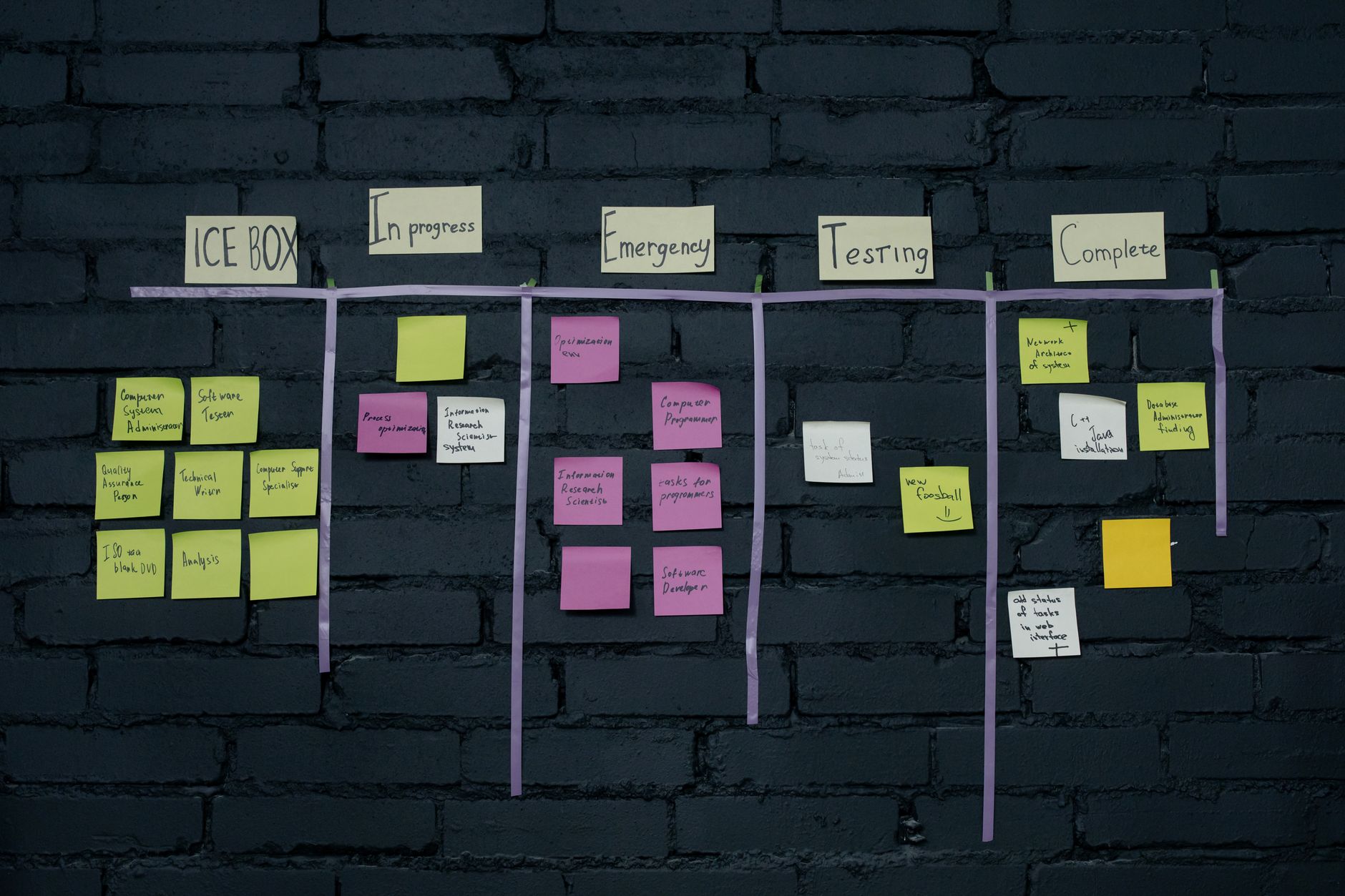
Linear: Built for Modern Dev Teams
Linear was designed from the start for software engineering teams that want to move fast without fighting their tooling. It has become one of the most popular choices for US and UK startups and scale-ups since it launched, and for good reason — the interface is noticeably quicker than either Jira or Asana, keyboard shortcuts work intuitively, and issue creation takes seconds rather than minutes.
Key Strengths
- Speed: Linear’s interface is among the fastest of any project management tool. Actions that take three clicks in Jira often take one keystroke in Linear.
- Cycles: Linear’s sprint equivalent (called cycles) is tightly integrated with issue tracking, making sprint planning and retrospectives simpler than in most tools.
- GitHub and GitLab integration: Issues link directly to pull requests and branches. Closing a PR can automatically move an issue to “Done.”
- Clean roadmaps: Linear’s roadmap views are visual without being overwhelming.
Limitations
- Limited native support for non-engineering workflows (design, legal, marketing)
- Fewer reporting and analytics options compared to Jira
- Smaller plugin and integration ecosystem than the Atlassian suite
Best for: Engineering-led startups and scale-ups of 2–100+ developers who value speed, developer experience and tight Git workflow integration. If your whole team is in the code, Linear is worth trying first. It also pairs well with other AI coding tools that US dev teams commonly use.
Jira: The Enterprise Standard
Jira (by Atlassian) is the most widely deployed project management tool in large software organisations. It has been around long enough to have deep integrations with practically every enterprise tool imaginable, and its flexibility means almost any workflow can be configured within it.
Key Strengths
- Maximum configurability: Custom fields, workflows, screens, permissions and boards. If your process is unusual or complex, Jira can probably accommodate it.
- Atlassian ecosystem: Tight integrations with Confluence (docs), Bitbucket (code), Opsgenie (alerts) and hundreds of marketplace apps.
- Advanced reporting: Velocity charts, burndown charts, cumulative flow diagrams and custom dashboards are all available out of the box.
- Enterprise governance: Audit logs, granular permissions, data residency options and compliance features that large organisations require.
Limitations
- Steep learning curve — onboarding a new developer on Jira takes time
- The interface can feel heavy and slow compared to Linear
- Configuration overhead: maintaining a mature Jira instance requires ongoing admin effort
Best for: Teams of 50+ developers in established tech companies or enterprises. Organisations that run SAFe or scaled agile frameworks. Teams already using Confluence for documentation or Bitbucket for version control.

Asana: The Cross-Functional Workhorse
Asana is less an engineering tool and more a general-purpose work management platform that happens to be used by many teams that include developers. Its strength is bridging technical and non-technical colleagues in a way that Jira rarely achieves well, and that Linear does not attempt at all.
Key Strengths
- User-friendly for non-developers: Designers, marketers, project managers and legal teams can learn Asana in an afternoon.
- Portfolio and timeline views: Excellent for tracking multiple projects or workstreams simultaneously, which is useful for engineering managers overseeing cross-functional initiatives.
- Automations: Rule-based automations (e.g., “when a task moves to Review, assign it to the QA team lead”) reduce manual work in mixed teams.
- Goals and objectives: Asana’s goal-setting features link team tasks to company OKRs, which appeals to product and leadership teams.
Limitations
- No native sprint or cycle management designed specifically for dev teams
- GitHub integration is shallower than Linear or Jira
- Can feel too generic if your team is purely engineering-focused
Best for: Product teams that include a mix of developers, designers, marketers and operations. Startups where the CEO or COO also needs project visibility. Teams using Asana already for other workstreams who want to avoid a second tool. Asana works well alongside team communication tools like Slack.
Which Tool Should Your Dev Team Choose?
Here is the honest decision framework:
- You are a startup engineering team (under 50 devs) that ships product fast: Start with Linear. The onboarding is minimal, the experience is excellent, and it has everything a focused dev team needs.
- You are in an enterprise or scaling to 100+ engineers: Jira is probably already in your procurement roadmap. Its flexibility and governance features make it the pragmatic choice at scale, even if it is less enjoyable day-to-day.
- Your team spans dev and non-dev departments: Asana removes the friction of technical tools for non-developers. Use it when cross-functional visibility matters more than developer-specific features.
- You want to test before committing: All three offer meaningful free tiers. Linear’s free plan covers teams up to 5, Jira’s covers up to 10 users, and Asana’s free plan works for small, basic project tracking.
A Word on Switching Costs
The biggest hidden cost of any project management tool is not the subscription — it is the migration, onboarding and habit-change effort. If your team already has a tool and it is working acceptably, the marginal benefit of switching needs to be significant to justify the disruption. That said, if your current setup is genuinely slowing engineers down or causing coordination failures, the right tool change is worth the short-term cost. Pair your evaluation with an audit of your broader workflow automation setup to reduce manual handoffs at the same time.
All three tools — Linear, Jira and Asana — have official documentation and free trial access. Check current pricing and feature lists directly on their websites, as plans and features do change over time.