
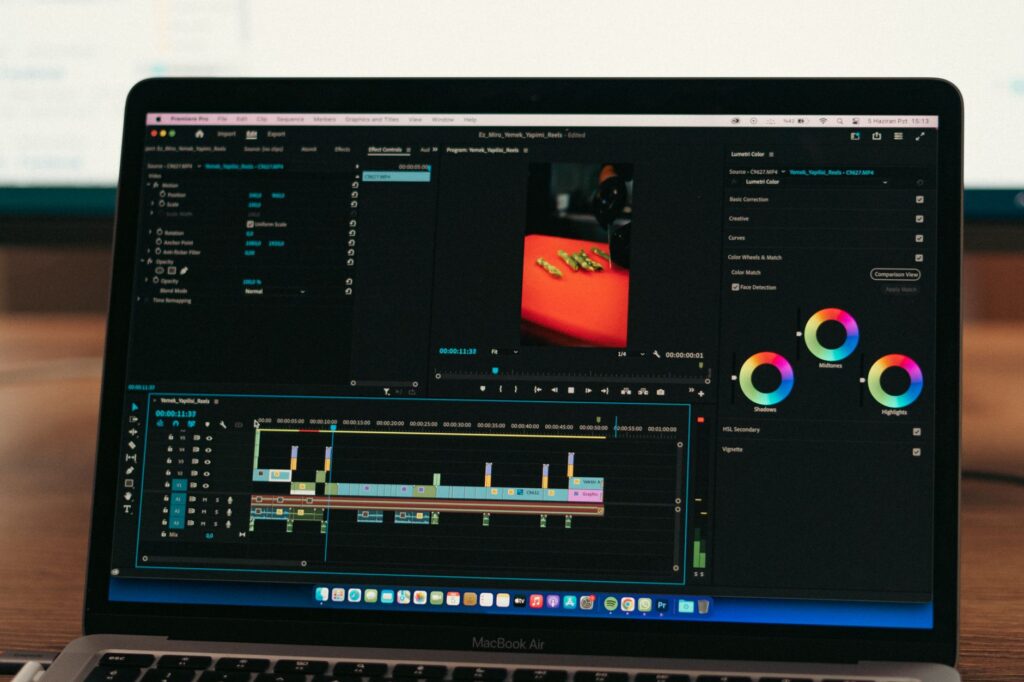
Video content is now the dominant format across YouTube, Instagram Reels, and LinkedIn in India. But video editing has always been the biggest bottleneck — it’s time-consuming, technically demanding, and expensive if you outsource it. AI video editing tools are changing this: what used to take 4 hours in Premiere Pro now takes 45 minutes with AI assistance. This guide compares the three most popular AI video editing tools — CapCut AI, Descript, and Runway — with a clear recommendation for different types of Indian creators.
CapCut AI — Best for Short-Form Content and Beginners
CapCut started as a mobile video editor but has grown into one of the most powerful AI video tools available, with both mobile and desktop versions. Its AI features are genuinely impressive — and the entire app is free.
Key AI Features
- Auto Captions: Generates accurate Hindi and English subtitles automatically — with one-tap styling. Essential for Reels and Shorts where 80% of viewers watch without sound.
- AI Video Script to Video: Paste a script → CapCut finds and assembles relevant stock footage, adds captions, and generates a complete video. Useful for faceless channels.
- Auto Beat Sync: Automatically cuts video clips to the beat of background music — a feature that previously required manual timing.
- AI Background Removal: Remove and replace video backgrounds without green screen equipment.
- Smart Cutout: Isolate subjects from video backgrounds frame-by-frame — previously required expensive software.
- AI Portrait Mode: Auto-blur backgrounds in talking-head videos to simulate a professional camera depth-of-field effect.
Best For
Instagram Reels creators, YouTube Shorts editors, social media managers, and beginners who want powerful features without a learning curve. CapCut’s mobile version is particularly strong — you can shoot and edit a complete Reel in under 15 minutes on your phone.
Pricing
Free — with a Pro plan at approximately ₹830/month that adds more AI credits, 4K export, and commercial use of generated content.
India-Specific Notes
Hindi caption accuracy is very good — better than most competitors. The template library has Indian festival themes (Diwali, Holi, Independence Day). The mobile app works well on mid-range Android phones (even ₹15,000–₹20,000 Redmi and Realme devices).
Descript — Best for Long-Form Creators and Podcasters
Descript takes a fundamentally different approach to video editing: it treats your video as a text document. You edit the transcript, and the video edits automatically. This is transformative for anyone who does talking-head videos, interviews, or podcasts.
Key AI Features
- Transcript-based editing: Delete a word from the transcript → that word is cut from the video. No timeline scrubbing needed.
- Filler word removal: One click removes all “um,” “uh,” “like,” and “you know” instances from your video automatically.
- Overdub: Fix spoken mistakes without re-recording — type the correction and Descript synthesizes your voice saying it.
- Studio Sound: AI removes background noise, echo, and room sound — turns a phone recording into something that sounds professionally mic’d.
- Auto Chapters: Generates chapter markers and titles automatically for YouTube long-form videos.
- AI Eye Contact Correction: Adjusts eyes to appear looking at the camera even if you were looking at the script on a second screen.
Best For
YouTube educators, podcast creators, interview-format channels, corporate trainers, and anyone recording talking-head content. If you make videos longer than 10 minutes, Descript’s transcript editing saves 2–3 hours per video versus traditional timeline editing.
Pricing
Free for 1 hour of transcription per month. Creator plan: $12/month (≈ ₹1,000) for 10 hours/month. Business plan: $24/month (≈ ₹2,000) for unlimited.
Runway — Best for Advanced AI Video Generation and Effects
Runway is the most technically advanced of the three — but also the most complex. It’s the tool that generated the AI video effects in mainstream films and is now accessible to individual creators.
Key AI Features
- Gen-3 Alpha (Text to Video): Generate short video clips from text descriptions — completely AI-created footage, no camera needed. Example: “Cinematic shot of a crowded Mumbai local train platform at rush hour, overcast sky, warm lighting.” Generates a 10-second realistic video clip.
- Image to Video: Animate any still image — product photos, illustrations, portraits — into short video clips.
- Video Inpainting: Remove objects from video footage and fill the space with AI-generated background — like Photoshop healing brush, but for video.
- Motion Brush: Select part of a video frame and animate just that element while keeping the rest still.
- Background Removal (video): High-quality background removal for professional-looking composite shots.
Best For
Content agencies, advanced creators, cinematographers, and anyone creating high-production-value video content or AI-generated visuals for commercials, films, or brand videos. Not recommended for beginners — the interface has a learning curve.
Pricing
Free: 125 credits/month (enough to generate 2–3 short clips). Standard: $15/month (≈ ₹1,250). Pro: $35/month (≈ ₹2,900).
Head-to-Head Comparison
| Feature | CapCut AI | Descript | Runway |
|---|---|---|---|
| Ease of use | ✅ Very easy | ✅ Easy (after setup) | ⬜ Moderate-Hard |
| Best video length | Short (under 5 min) | Long (5–60+ min) | Very short (under 2 min) |
| Auto captions | ✅ Excellent Hindi | ✅ Good English | ❌ Not primary feature |
| AI video generation | ⬜ Basic | ❌ Not available | ✅ Industry-leading |
| Podcast/interview editing | ❌ Limited | ✅ Best in class | ❌ Not applicable |
| Mobile app | ✅ Excellent | ⬜ Basic | ❌ Desktop only |
| Free tier | ✅ Very generous | ⬜ Limited (1hr/month) | ⬜ Limited (125 credits) |
| Starting price | ₹830/month | ₹1,000/month | ₹1,250/month |
Which Should You Use? Quick Decision Guide
- You make Instagram Reels or YouTube Shorts → CapCut AI (free, mobile-first, Hindi captions)
- You make educational or talking-head YouTube videos → Descript (transcript editing saves hours)
- You run a content agency or create brand videos → All three: CapCut for Reels, Descript for long-form, Runway for high-end effects
- You want AI-generated video without filming anything → Runway Gen-3
- You’re on a tight budget → CapCut free tier covers 90% of needs for most creators
The Indian creator who wins in 2026 is not the one with the best camera — it’s the one with the best AI-assisted editing workflow. Start with CapCut (free), add Descript when your content gets longer, and explore Runway when you’re ready to level up production quality.
Which video editing tool do you use? Comment below!

