

If you write code in VS Code, you have more AI coding assistants available in 2026 than at any point in software history — and genuinely meaningful differences between them. GitHub Copilot dominated the category for three years, but alternatives like Codeium, Continue, and Supermaven now offer serious competition across price, speed, and privacy.
This comparison covers the five most capable AI coding assistants for VS Code in 2026, with honest assessments of where each one wins and where it falls short.

What to Look for in an AI Coding Assistant
Before diving into specific tools, here’s what actually matters when choosing one for your VS Code workflow:
- Autocomplete quality: Does it predict what you actually want, or just pattern-match on obvious completions?
- Context window: How much of your codebase does the assistant see when generating suggestions?
- Speed: Latency above 200ms disrupts flow. Some tools feel instant; others add a visible delay.
- Chat and inline editing: Can you select code and ask it to refactor, explain, or fix a bug?
- Privacy and data retention: Do your completions train the vendor’s model? Does it matter for your work?
- Price: Free tiers vary widely in what they actually give you.
1. GitHub Copilot — Best Overall for Most Developers
GitHub Copilot remains the default recommendation for most VS Code users in 2026. The recent move to the GPT-4o-based model significantly improved suggestion accuracy — especially for TypeScript, Python, and Go — and the context awareness now extends to open files and recently edited code rather than just the current file.
Copilot Chat is genuinely useful for explaining unfamiliar code, generating test cases, and fixing linting errors with a natural language description. The inline Edit mode, which rewrites selected blocks on instruction, is one of the fastest ways to refactor code in VS Code today.
Pricing: $10/month for individuals, $19/month per seat for teams. A free tier offering 2,000 completions/month and 50 chat messages was introduced in late 2024 and remains available.
Best for: Developers who want the most mature, polished experience with the widest language support. Works best inside the GitHub ecosystem.
Limitation: The context window is generous but not unlimited — on large monorepos, suggestions can miss important patterns from distant files.
2. Codeium — Best Free Tier
Codeium’s free tier is the most generous among serious coding assistants. Unlimited completions, chat, and search across your codebase — all at no cost for individual developers. The completions are fast (often sub-100ms) and accurate enough to replace GitHub Copilot for most everyday tasks.
The VS Code extension includes a neat “Search” feature that lets you query your codebase in natural language — useful for large projects where you need to find where a pattern is implemented without manually grepping. The Teams plan adds a shared context store so your organization’s specific idioms and internal APIs improve suggestions for everyone.
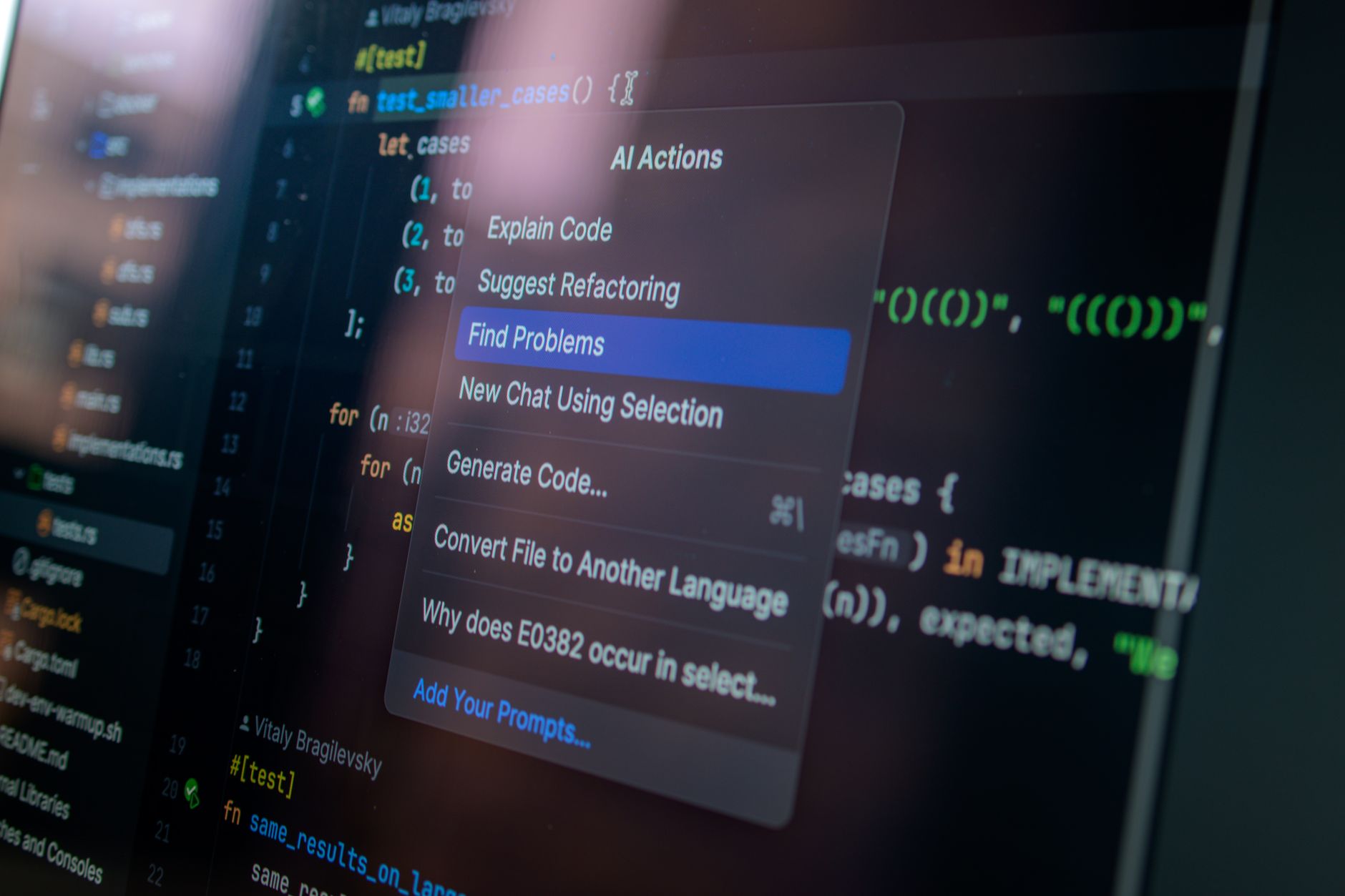
Pricing: Free for individuals. Teams at $12/user/month. Enterprise pricing available.
Best for: Developers on a budget, students, or anyone who wants to evaluate AI coding assistance without a time-limited trial.
Limitation: Chat quality lags behind Copilot and Claude-based tools, particularly for complex multi-step reasoning tasks.
3. Continue.dev — Best for Privacy and Open Source
Continue is a fully open-source VS Code extension that lets you connect to any LLM — whether a local Ollama model, OpenAI API, Anthropic’s Claude API, or a self-hosted endpoint. This is the only major AI coding assistant that puts you fully in control of where your code goes.
For teams working on proprietary code who are uncomfortable sending source to a third-party server, Continue is the answer. You point it at a local model like Llama 3.1 running via Ollama, and your code never leaves your machine. For tasks that require a more powerful model, you can swap in the Claude or GPT-4o API on demand.
The UX is rougher than Copilot or Codeium — autocomplete feels slightly behind and the configuration requires more setup — but the flexibility is unmatched.
Pricing: Free and open source. You pay only for whatever API you connect it to.
Best for: Teams with strict data residency requirements, open-source contributors, and developers who want to run AI locally.
Limitation: More setup required. Autocomplete quality depends entirely on the model you connect.
4. Tabnine — Best for Enterprise Privacy
Tabnine has reinvented itself as the enterprise-grade, privacy-first option in the AI coding assistant market. The core pitch: completions run entirely on-premise in a private, isolated instance of the model — no data ever leaves your network. For regulated industries like healthcare, finance, and defence contracting, this is a meaningful differentiator.
Tabnine’s team-aware models can be trained on your internal codebase to learn your patterns, APIs, and style guides. The suggestion quality for trained models is genuinely impressive for code that follows recognizable internal patterns, though it underperforms on novel algorithmic problems.
Pricing: Starter free tier (limited). Pro at $12/month. Enterprise pricing available with on-premise deployment.
Best for: Enterprise teams with compliance requirements or strict IP protection policies.
Limitation: The general-purpose suggestion quality is below Copilot when not trained on your specific codebase.
5. Supermaven — Best for Speed
Supermaven, built by the co-creator of Tabnine, launched in 2024 and has built a reputation for one thing above everything else: speed. Its completion latency is consistently the lowest of any tool here — often under 50ms — because it uses a proprietary architecture optimized specifically for code completion rather than a general LLM retrofitted for the task.
The context window is also notable: Supermaven reads up to 300,000 tokens of your project context, significantly larger than Copilot’s default. This means it catches more patterns from across your codebase, particularly in large projects with complex inter-module dependencies.

Pricing: Free tier available. Pro at $10/month.
Best for: Developers who find completion latency genuinely disrupts their flow, and those working in large codebases.
Limitation: Chat and instruction-following features are less developed than Copilot or Claude-based tools. Primarily excels at autocomplete rather than agentic coding tasks.
Quick Comparison Table
| Tool | Best For | Free Tier | Monthly Price | Privacy |
|---|---|---|---|---|
| GitHub Copilot | Overall quality | 2,000 completions | $10/month | Sends to GitHub |
| Codeium | Free users | Unlimited | Free / $12 Teams | Sends to Codeium |
| Continue.dev | Privacy / local LLM | Fully free (OSS) | API cost only | Your choice |
| Tabnine | Enterprise compliance | Limited | $12/month | On-premise option |
| Supermaven | Speed + large context | Yes | $10/month | Sends to Supermaven |
Which Should You Choose?
For most individual developers in the US and UK: start with Codeium’s free tier to see if AI assistance fits your workflow, then switch to GitHub Copilot if you want better chat quality and deeper IDE integration. If you’re building on a large codebase and latency bothers you, Supermaven is worth the $10/month.
For teams with privacy requirements: Continue.dev (with a local model) or Tabnine Enterprise are the only credible options. Don’t use a cloud-based assistant for code you can’t legally share with a third party.
For open-source contributors: Continue.dev on Codeium’s API or a local Ollama model is a powerful zero-cost setup.
Frequently Asked Questions
Does using an AI coding assistant mean your code is less your own?
Most AI coding assistants’ terms of service explicitly state that the code you generate is yours. Copyright ownership of AI-assisted code is still evolving legally, but commercially speaking, the major vendors have all committed that you retain rights to what you create.
Which tool is best for Python development?
GitHub Copilot and Codeium both have excellent Python support. For data science workflows in Jupyter notebooks, Copilot’s native notebook integration gives it an edge.
Do AI coding assistants slow you down on complex problems?
Some developers find that AI suggestions interrupt their thinking on novel algorithmic problems. Most tools let you disable autocomplete with a keyboard shortcut while keeping chat available — this hybrid mode works well for complex work where you want AI available for questions but not for suggestions.

