
If you’ve ever tried to manage a project using a shared Google Sheet and a WhatsApp group, you already know the pain. Between missed deadlines, unclear ownership, and endless “where are we on this?” messages, the lack of a proper project management tool costs Indian teams — and freelancers — real time and money.
The good news? Some of the world’s best project management tools have generous free plans that are genuinely useful, not just 7-day trials. In this comparison, we’re putting four of the most popular options head-to-head: Trello, ClickUp, Asana, and Notion — so you can pick the right one for how you actually work.
What to Look for in a Free Project Management Tool
Before we dive in, here’s what matters most when evaluating these tools for Indian teams and freelancers:
- Free plan limits: How many projects, tasks, and members can you have without paying?
- Views available: Do you get list, board, calendar, and timeline views for free?
- Collaboration features: Comments, file attachments, task assignments — are they free?
- Integrations: Does it connect with tools you already use (Slack, Google Drive, Zoom)?
- Mobile app: Critical for Indian teams who work across devices and time zones.
Trello: Best for Visual Thinkers and Simple Workflows
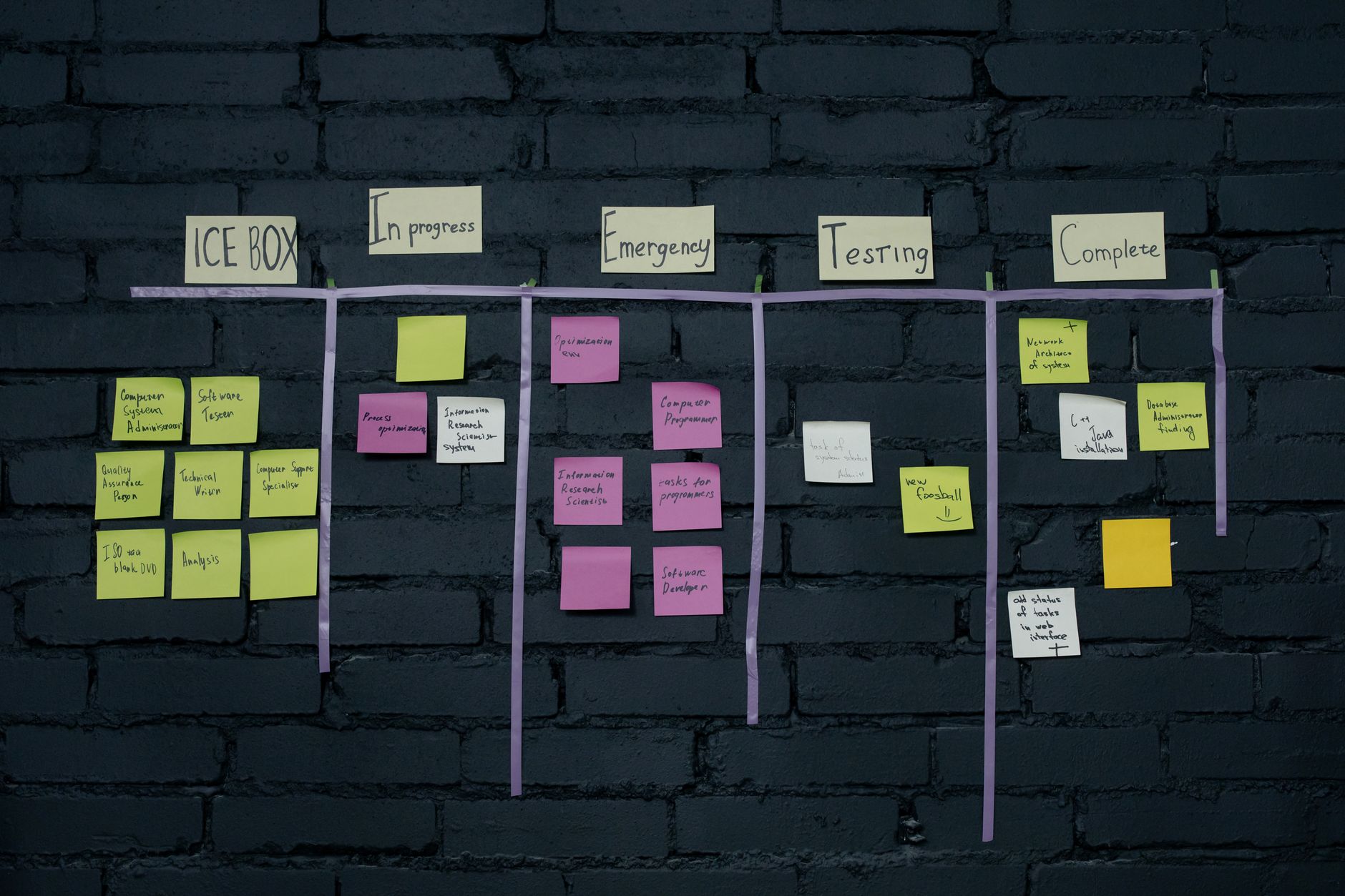
Trello is built around the Kanban board — the classic “To Do / In Progress / Done” setup that’s incredibly intuitive. If you’re a freelancer managing client projects, a small team running a content calendar, or a startup tracking product backlogs, Trello just works.
Free plan highlights:
- Unlimited cards and up to 10 boards per workspace
- Unlimited storage (10MB per file limit)
- Unlimited activity log
- Mobile apps for iOS and Android
Limitations: The free plan lacks timeline (Gantt) views, automation beyond basic Butler rules, and advanced power-ups. For complex multi-team projects, Trello can feel limiting.
Best for: Freelancers, solopreneurs, small teams with straightforward workflows, content teams managing editorial calendars.
ClickUp: Best for Power Users Who Want Everything in One Place
ClickUp is arguably the most feature-rich free project management tool available in 2026. It positions itself as a replacement for multiple tools — tasks, docs, goals, whiteboards, and more — all in one workspace.
Free plan highlights:
- Unlimited tasks and unlimited members
- Multiple views: list, board, calendar, and more
- 100MB of storage
- In-built docs and wikis
- Time tracking and goal setting
Limitations: The sheer number of features can be overwhelming, especially for new users. ClickUp has a noticeably steeper learning curve than the other tools on this list. The free plan also has limits on Gantt and certain automation runs per month — check their official site for current plan details.
Best for: Tech teams, agencies, and power users who want maximum flexibility and are willing to invest time in setup.
Asana: Best for Task Management and Team Accountability
Asana has long been a favourite for teams that need clear task ownership and accountability. Every task has an assignee, a due date, and a place in a workflow — making it easy to see at a glance who’s doing what and when.
Free plan highlights:
- Unlimited projects and tasks
- Unlimited messages and activity log
- List and board views
- Basic reporting and milestones
- Up to 10 teammates on the free plan
Limitations: The free plan doesn’t include timeline view (Gantt), custom fields, or advanced reporting. If you’re managing dependencies across multiple workstreams, you’ll hit the ceiling fairly quickly.
Best for: Small teams (under 10 members) that need structured task management with clear accountability — marketing teams, HR teams, and ops teams.

Notion: Best for Knowledge-Driven Teams and Solo Operators
Notion is less a pure project management tool and more a flexible all-in-one workspace that can be turned into a project manager — if you set it up right. It combines notes, wikis, databases, and kanban boards into a highly customisable system.
Free plan highlights:
- Unlimited pages and blocks for individuals
- Collaborating with up to 10 guests (free plan)
- Basic page analytics
- Web clipper, mobile apps, API access
- AI features available as an add-on
Limitations: Notion’s free plan is best for individual use. Team collaboration features become more restricted on the free tier. Building a project management system in Notion also requires significant initial setup time — it’s not plug-and-play like Trello.
Best for: Freelancers, solo founders, writers, researchers, and knowledge-heavy teams who want a second brain that also handles project tracking.
Head-to-Head Comparison
| Feature | Trello | ClickUp | Asana | Notion |
|---|---|---|---|---|
| Kanban Board | ✅ | ✅ | ✅ | ✅ |
| Timeline/Gantt (Free) | ❌ | Limited | ❌ | ❌ |
| Built-in Docs | ❌ | ✅ | ❌ | ✅ |
| Team Members (Free) | Unlimited | Unlimited | Up to 10 | Limited guests |
| Learning Curve | Low | High | Medium | Medium-High |
Note: Free plan details change frequently. Always check each tool’s official pricing page for the latest information.
Which Tool Should You Pick? Our Verdict for Indian Users
- Pick Trello if you’re a freelancer or small team who wants to get started in under 10 minutes with zero learning curve.
- Pick ClickUp if you’re a growing startup or agency that wants one tool to replace five — and you’re willing to invest time setting it up.
- Pick Asana if task ownership and accountability are your primary concerns and you have a team of under 10 people.
- Pick Notion if you’re a solo operator or knowledge-driven team who wants project management to live alongside your notes, SOPs, and docs in one place.
A Note on AI Features
All four tools are adding AI capabilities in 2026. Notion AI, ClickUp Brain, and Asana’s AI features are the most developed. However, most AI features sit behind paid plans. If AI-powered project management is a priority, verify the latest feature availability directly on each tool’s website before committing.
Final Thoughts
The best project management tool is the one your team actually uses. Don’t spend weeks evaluating — pick one that matches your current workflow, start with the free plan, and upgrade only when you’ve genuinely outgrown it.
For most Indian freelancers and small teams starting out in 2026, Trello or ClickUp’s free plans offer more than enough to manage projects properly. The upgrade decisions can wait — what can’t wait is getting organised.

