Whether you’re a YouTube creator in Pune, a college student building your first portfolio in Chennai, or a small business owner making Instagram Reels in Delhi, one question comes up again and again: which free video editing software should I actually use in 2026? The good news is that the free tier of video editing has never been better. The bad news is there are too many options and not enough honest comparisons tailored to Indian creators.
In this post, I’ve researched and compared four of the most capable free video editing tools available in 2026 — DaVinci Resolve, CapCut, Kdenlive, and OpenShot — covering features, learning curve, performance on mid-range Indian hardware, and who each tool actually suits best.
Quick Overview: The Four Contenders
- DaVinci Resolve 19 — Professional-grade, Hollywood-standard colour grading, free tier is genuinely powerful
- CapCut Desktop — TikTok/ByteDance’s editor, AI-powered features, ideal for social content
- Kdenlive — Open-source, Linux and Windows, traditional timeline editor, no cloud dependency
- OpenShot — Simplest interface, great for beginners, cross-platform
DaVinci Resolve 19 — The Professional Free Option
What It Is
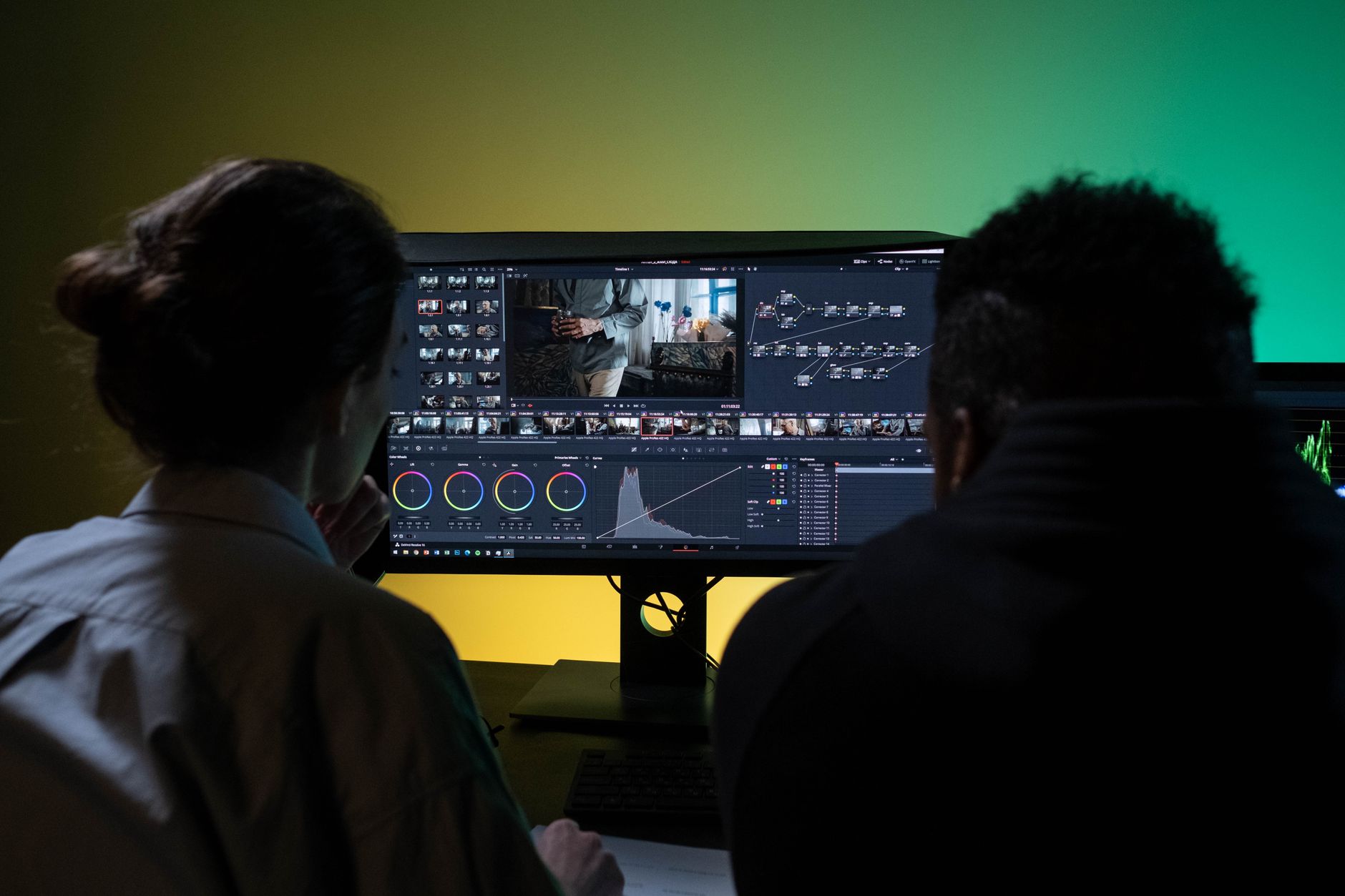
DaVinci Resolve is made by Blackmagic Design and has been used in Hollywood productions for colour grading for over a decade. The free version includes the full Cut and Edit pages, the legendary Colour page, Fairlight audio tools, and Fusion for motion graphics. The paid Studio version (around ₹24,000 one-time) unlocks some AI effects and collaboration features, but for most individual creators, the free version covers everything.
Best Features (Free Tier)
- Industry-standard colour grading with Nodes — no other free tool comes close
- Multi-track timeline with unlimited video and audio tracks
- Professional audio mixing via Fairlight page
- Fusion for motion graphics and visual effects
- 4K and higher resolution export (no watermark)
Learning Curve
Steep. If you’re coming from iMovie or a mobile editor, DaVinci Resolve will feel overwhelming at first. Plan for 2–3 weeks of regular use before you feel fluent. The YouTube tutorial ecosystem for Resolve is excellent, and there are multiple free Hindi-medium tutorials available for Indian learners.
Performance on Indian Mid-Range Hardware
DaVinci Resolve is GPU-intensive. On laptops with integrated graphics (Intel Iris Xe or AMD Radeon Vega), you’ll experience some lag during playback, especially with 4K footage. On systems with a dedicated GPU — even an NVIDIA GTX 1650 or RTX 3050 — it runs smoothly. For 1080p editing, even mid-range laptops can handle it reasonably well with proxy media enabled.
Best For
YouTube creators who want professional colour grades; short filmmakers; anyone who wants to take video editing seriously and build skills that transfer to professional productions.
CapCut Desktop — The AI-Powered Social Creator’s Tool
What It Is
CapCut started as a mobile app and has expanded into a capable desktop editor. Its free tier includes an impressive range of AI features that are genuinely useful for social content creators. It’s particularly dominant among Reels and Shorts creators because of how fast it is to produce finished videos.
Best Features (Free Tier)
- Auto-captioning with surprisingly accurate Hindi and regional language support
- AI background removal without a green screen
- Template library with trending transitions and effects
- Auto-reframe to resize videos for different platforms (9:16, 1:1, 16:9)
- Text-to-speech in multiple Indian languages
- Direct export presets for Instagram, YouTube, and TikTok
Learning Curve
Low. Most creators produce their first finished Reel within an hour of installing CapCut. The interface is intuitive, the templates reduce creative friction, and the AI tools automate many tedious tasks.
Limitations
CapCut exports add a watermark in the free tier for some templates (not all clips). The colour grading tools are basic compared to DaVinci Resolve. It also requires cloud sync for many AI features, which means a reliable internet connection. Privacy-conscious creators should note that CapCut is a ByteDance product.
Best For
Instagram Reels creators, YouTube Shorts producers, social media managers, and anyone who needs to produce polished content quickly without a steep learning curve.
Kdenlive — The Open-Source Powerhouse
What It Is
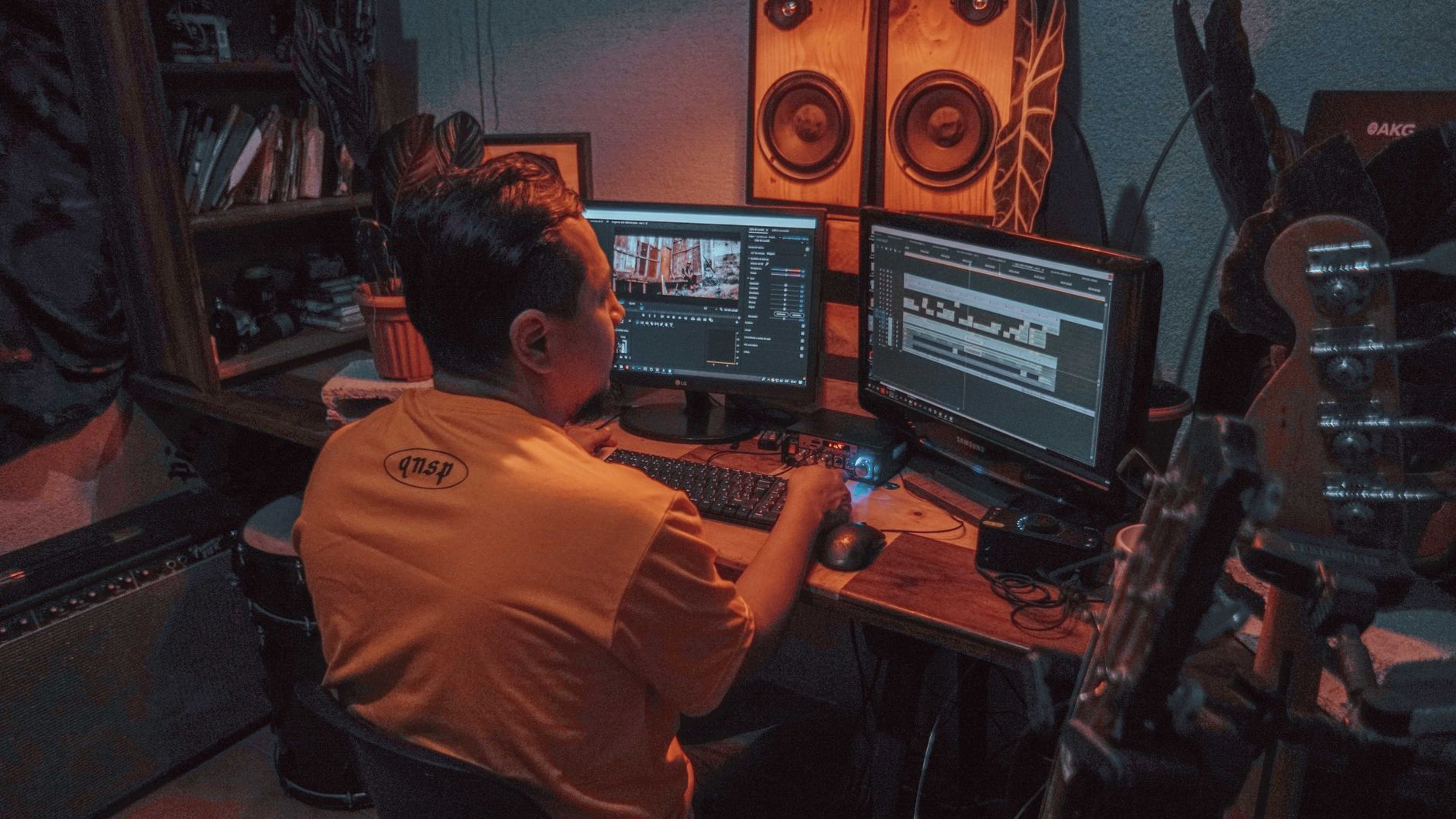
Kdenlive (KDE Non-Linear Video Editor) is a free, open-source editor with a traditional timeline interface similar to Adobe Premiere Pro. It runs on Linux, Windows, and macOS. For creators who want a desktop-native, privacy-respecting editor with no cloud dependency and no watermarks ever, Kdenlive is the best free option.
Best Features
- Completely free, no watermarks, no subscription tiers
- Multi-track editing with a timeline similar to Premiere Pro
- Wide format support (virtually any codec via FFmpeg)
- Keyframe animations for titles and effects
- Proxy editing for smooth playback on older hardware
- Audio mixing with multiple tracks and effects
Stability and Performance
Kdenlive has improved significantly in recent versions but can still crash occasionally on complex projects. Save frequently. On mid-range Indian laptops (i5/Ryzen 5, 8GB RAM), it handles 1080p editing well. 4K editing may require proxy clips.
Best For
Linux users; creators who prefer open-source software; anyone who wants to learn a professional NLE workflow without paying for Adobe Premiere Pro; YouTubers focused on educational or tutorial content.
OpenShot — The Beginner’s Best Friend
What It Is
OpenShot is the simplest of the four tools. It’s designed to be accessible to complete beginners and succeeds at that goal. The interface is clean, the drag-and-drop functionality is intuitive, and you can produce a finished video in minutes.
Best Features
- The simplest timeline editor of the four tools
- Built-in title editor with customisable templates
- 3D animated titles via Blender integration
- Supports virtually all video formats
- Completely free, open-source, no watermarks
- Available on Windows, macOS, and Linux
Limitations
OpenShot lacks advanced colour grading, professional audio mixing, and the kind of effects library you’d find in CapCut or DaVinci Resolve. It’s not suitable for professional productions, but it’s excellent for simple cuts, school projects, family videos, and basic YouTube content.
Best For
Complete beginners; students making their first videos; creators who need a simple tool to cut and join clips without a learning curve; anyone intimidated by more complex software.
Head-to-Head Comparison Table
| Feature | DaVinci Resolve | CapCut | Kdenlive | OpenShot |
|---|---|---|---|---|
| Watermark-free export | ✅ Yes | ⚠️ Partial | ✅ Yes | ✅ Yes |
| AI features | Limited (free) | ✅ Extensive | Basic | None |
| Colour grading | ✅ Professional | Basic | Moderate | Basic |
| Ease of use | Steep curve | ✅ Very easy | Moderate | ✅ Very easy |
| Open-source | No | No | ✅ Yes | ✅ Yes |
| Best for social (Reels/Shorts) | Moderate | ✅ Excellent | Moderate | Basic |
Which Free Video Editor Should Indian Creators Choose?
Here’s the honest breakdown based on use case:
- Serious YouTubers and filmmakers → DaVinci Resolve. Invest the time to learn it and you’ll have skills that are genuinely transferable to a professional career. The colour grading alone is worth it.
- Instagram Reels and YouTube Shorts creators → CapCut Desktop. It’s purpose-built for social content, the AI tools save hours, and the learning curve is minimal. Just be aware of the watermark situation on templates.
- Privacy-conscious creators and Linux users → Kdenlive. Fully open-source, no telemetry, no cloud requirements, and a capable traditional NLE workflow.
- Absolute beginners and students → OpenShot. Start here, learn the basics of the timeline, cuts, and transitions, then graduate to DaVinci Resolve or Kdenlive when you’re ready for more.
Final Recommendation
For most Indian creators in 2026, the ideal path is: start with CapCut for social content (your Reels and Shorts will look great fast), and learn DaVinci Resolve in parallel for your YouTube long-form content where colour and quality matter more. These two tools cover virtually every use case without ever requiring you to pay for a subscription.
If you’re on Linux or want to stay fully open-source, Kdenlive is your best bet and has matured significantly in recent years. OpenShot remains the gentlest entry point for complete beginners.
The best video editor is always the one you’ll actually use consistently — pick one, commit to it for 30 days, and you’ll be surprised how quickly your editing quality improves.