
If you’ve been anywhere near the Indian freelance, student, or creator space in 2026, you’ve heard about Canva AI. What started as a simple drag-and-drop design tool has quietly transformed into one of the most powerful AI-assisted creative platforms on the internet — and it’s become genuinely important to talk about whether the AI features are actually worth your time, especially when you’re on a tight ₹ budget.
I’ve spent the last few weeks testing every AI feature Canva has to offer — from Magic Studio to its brand-new generative image tools — and I’m sharing my honest take here. No fluff, no brand-deal bias. Just what you actually need to know before you upgrade or stick to free.
What Is Canva AI (Magic Studio)? A Quick Overview
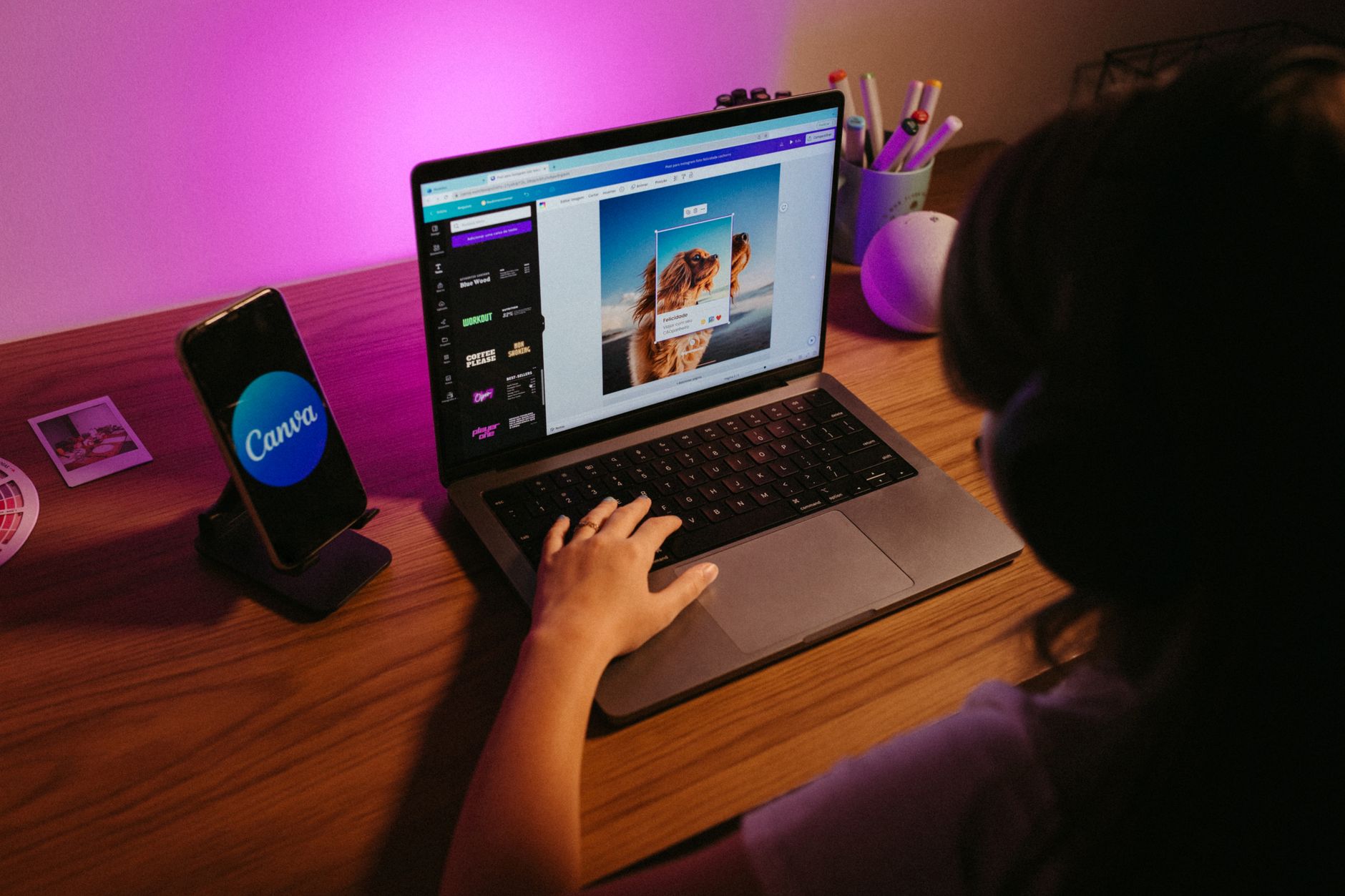
Canva launched Magic Studio as an umbrella for all its AI-powered features. Think of it as Adobe Firefly meets ChatGPT, but baked right inside the tool you already use for Instagram posts, presentations, and resumes. In 2026, Magic Studio includes a solid suite of tools that span text generation, image editing, video creation, and even a full AI design assistant.
The key thing to understand: most of the best AI features are locked behind Canva Pro, which costs around ₹3,999/year (or ₹499/month) for individual users in India. The free plan does offer limited AI credits, but you’ll hit walls quickly if you’re a heavy user.
Key Canva AI Features in 2026 (Tested Honestly)
1. Magic Design
You type a prompt — something like “motivational Instagram carousel for a fitness brand” — and Magic Design generates a full set of on-brand slides with images, fonts, and layouts already applied. For Indian freelancers doing social media management, this is genuinely a massive time saver. What used to take 45 minutes now takes under 5.
Verdict: Works remarkably well for standard content formats. Gets weird with hyperlocal Indian aesthetics (it still defaults to Western design sensibilities), but you can tweak from there.
2. Magic Write
Canva’s in-built AI text generator. You can use it to generate captions, presentation copy, product descriptions, or even blog outlines — right inside your design. It’s powered by a language model and it’s… decent. Not ChatGPT-level, but more than enough for short-form copy.
For Indian students making project presentations: Magic Write is a legitimate cheat code for getting slide text done fast. Just don’t use it verbatim — give it your own spin.
3. Magic Eraser and Magic Edit
These are photo editing tools. Magic Eraser lets you remove objects from images with a brush stroke — like removing a watermark or a distracting background element. Magic Edit goes further and lets you replace what you removed with something new using a text prompt.
In my testing, Magic Eraser works brilliantly on clean backgrounds. On cluttered images (think: a busy Indian street photo), it struggles to reconstruct the background realistically. Still useful, but manage expectations.
4. Text to Image
Type a description and Canva generates an image for you. The image quality is noticeably better than it was in 2024-2025. For creating unique social media visuals, blog banners, or presentation graphics, it’s solid. It’s not Midjourney, but for someone who doesn’t have a ₹1,900/month Midjourney budget, it gets the job done.
5. Magic Resize and Magic Animate
Magic Resize converts your design to different dimensions with one click — going from Instagram square to YouTube thumbnail to Facebook cover without rebuilding from scratch. This alone is worth the Pro subscription for anyone managing multiple social media channels.
Magic Animate adds AI-generated animation to static designs. The results are surprisingly smooth and look professional in Reels/Shorts content.
Canva AI Pricing in India: Free vs Pro vs Teams
Here’s the honest breakdown for Indian users in 2026:
- Free Plan: 5 AI image generations/month, limited Magic Write uses, no Magic Resize, basic templates only
- Pro (₹3,999/year or ₹499/month): 500 AI image generations/month, full Magic Studio access, Magic Resize, 100GB storage, premium templates
- Teams (₹5,999/year per person): Everything in Pro + brand kit, team collaboration features
For most Indian freelancers and students, Pro is the sweet spot. The annual plan works out to ₹333/month — that’s less than a meal deal at McDonald’s. If you’re billing clients for design work, you’ll recover this cost from your first project.
Real Use Cases for Indian Freelancers and Students
Let me be specific about who this actually helps:
- Social media managers: Use Magic Design to generate 30 days of content in an afternoon. The AI handles layouts; you handle the brand voice.
- MBA/college students: Magic Write + presentation templates = project submissions done in 2 hours instead of 8.
- Etsy/Meesho sellers: Use Text to Image to create product mockups and social ads without hiring a designer.
- YouTube thumbnails: Magic Design’s thumbnail templates + Text to Image backgrounds = professional-looking thumbnails without Photoshop.
- Content writers: Export your Canva visuals directly into WordPress, Medium, or Substack without needing to resize in separate tools.
Canva AI vs Adobe Express AI vs Microsoft Designer
Since we’re being honest, let’s compare:
- Canva AI: Best overall ecosystem, widest template library, easiest learning curve. Pricing is reasonable for India.
- Adobe Express AI: Stronger image editing features (powered by Firefly), better for print-quality work. But Adobe’s pricing in India is steep — Firefly subscription alone runs ₹890/month, and you still need Express Pro on top.
- Microsoft Designer: Free for Microsoft 365 subscribers. Basic AI image gen powered by DALL-E. Lacks Canva’s depth. Good for occasional use, not for professional workflows.
Winner for Indian users: Canva Pro. The value-to-cost ratio in INR is significantly better than Adobe, and the feature set is deeper than Microsoft Designer.
Canva AI Pros and Cons (Indian User Perspective)
Pros:
- Best-in-class template library — especially useful for Indian festival content (Diwali, Holi, etc.)
- Magic Resize saves hours for cross-platform content creators
- AI image generation has improved dramatically since 2024
- Works flawlessly on mobile — important for Indian creators on budget laptops or phones
- ₹3,999/year is genuinely affordable for professionals
Cons:
- Free plan AI credits are very limited — you’ll need Pro for real use
- Text to Image still struggles with Indian faces and hyperlocal contexts
- Magic Write isn’t good enough for long-form Hindi/regional language content yet
- Heavy users hitting 500 AI credits/month will need to ration usage
- Exporting high-resolution files is sometimes slow on the browser version
Final Verdict: Is Canva AI Worth It for Indian Users in 2026?
Here’s my honest answer: Yes — if you’re creating content regularly, Canva Pro’s AI features will pay for themselves within your first week of serious use.
The ₹3,999/year price point is one of the best SaaS deals available to Indian creators and freelancers right now. Magic Design alone will cut your design time by 60–70% on standard social media content. Magic Resize is a must-have for anyone running multi-platform campaigns.
If you’re a student using it for the occasional presentation? The free plan with its limited AI credits will be enough. But if design is part of your income or you’re running a personal brand, stop waiting — the upgrade is worth it.
Try Canva AI for free and decide for yourself. The free plan is a great place to start, and upgrading to Pro mid-month gives you immediate access to the full Magic Studio suite.
Have you tried Canva AI yet? Drop your experience in the comments — especially if you’re using it for an Indian audience or in a regional language. I’d love to hear what’s working for you.

