

Content creation used to be simpler in a weird way. You had your skills, your tools, your process. The number of decisions was manageable. Now there’s a new AI tool every week promising to do some part of your job better, faster, cheaper. Most of them are noise. A few are genuinely transformative.
I’ve been creating content professionally for several years: writing, video, social media, the whole mix. These are the AI tools that have actually stayed in my workflow, not the ones I tried once and forgot about.
For writing and text content
Claude (claude.ai), My primary writing assistant. I use it for first drafts, editing passes, rewriting sections that aren’t working, and getting feedback on tone. The quality of its language is noticeably better than most AI writing tools for anything longer than a few paragraphs. It has a feel for rhythm and nuance that the others often miss.
One specific use: when I’m stuck on an intro, I’ll write a rough, bad version and ask Claude to “give me three alternative ways to open this piece.” Seeing three different approaches usually unsticks me, even if I don’t use any of them directly.
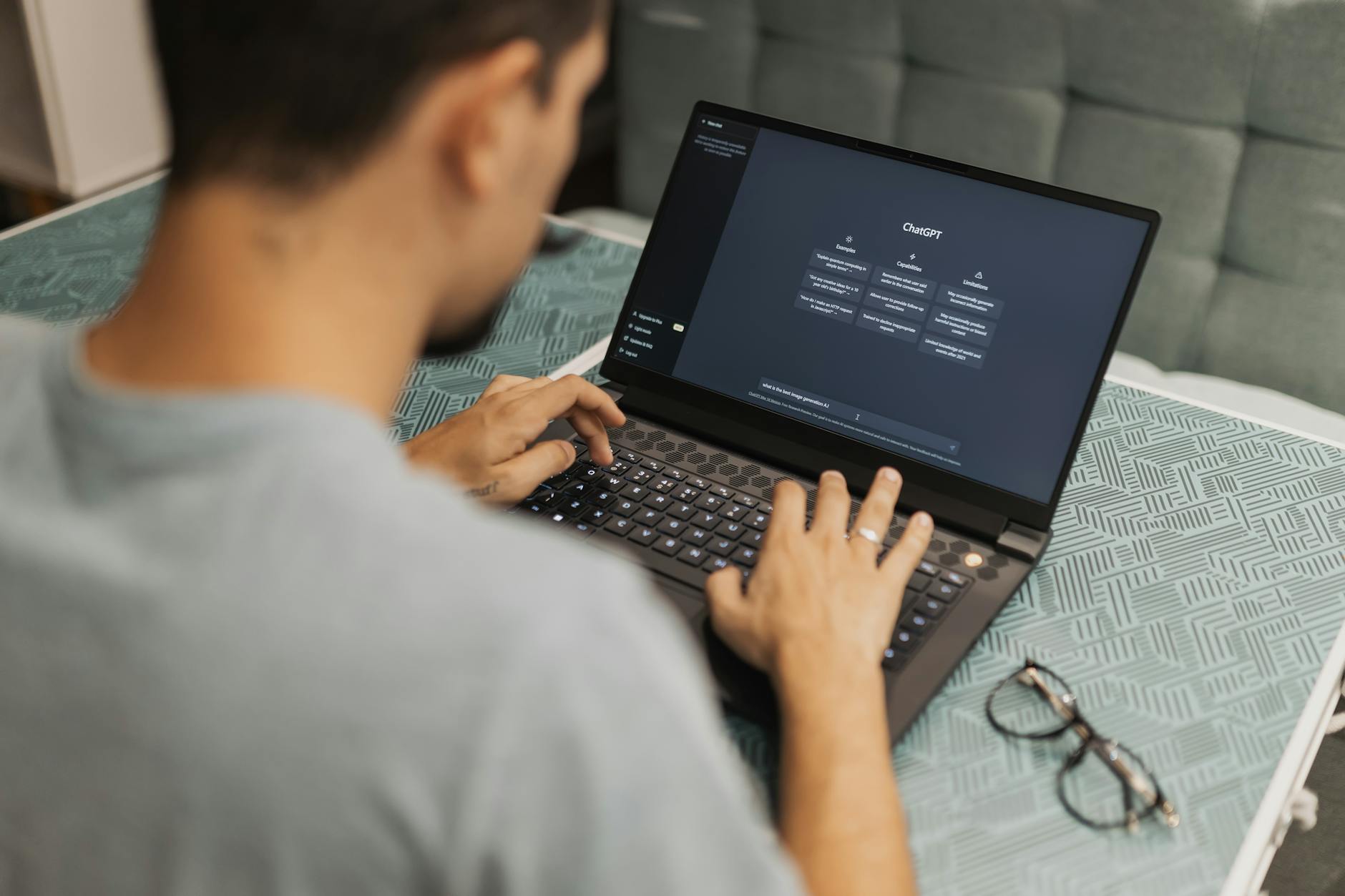
ChatGPT, For research summarisation, headline brainstorming, and generating a lot of options quickly. Where Claude is more deliberate, ChatGPT is faster and better for divergent ideation, when I need twenty headline options and I’ll choose one, ChatGPT generates them faster.
Grammarly, Still essential. Even with AI-assisted writing, Grammarly catches things that get missed: overused words, readability issues, passive voice creep. The paid version’s clarity and engagement scores have actually been useful for identifying pieces that need more work before publishing.
For visual content
Canva AI, The daily workhorse for graphics. The background removal, Magic Design, and text generation features save real time. I produce 4-5x more visual content than I did before because the bottleneck of starting from scratch with each design has been removed. Canva Pro is worth it if visual content is a regular part of your output.
Adobe Firefly, For images where I need professional quality and commercial safety. Firefly’s licensing position (trained on licensed data) matters for commercial work. The quality of its photo-realistic outputs is excellent. I use it when I need a clean, professional image for a client project and stock photography isn’t quite right.
ChatGPT DALL-E 3, For quick image generation where I need something specific. “Create an illustration of a robot reading a newspaper, flat design style, blue and white colour scheme.” Fast, accurate, usually needs minor adjustment but gets me 80% of the way there.
For video content
CapCut (For short-form content) Reels, Shorts, TikTok (where available). The AI auto-caption feature is excellent and handles both English and Hindi reasonably well. The auto-cut feature that removes silences and pauses has saved me hours of editing time. It’s free and works on mobile, which makes it accessible for everyone.
Descript, For longer video content where I’m editing spoken word. Descript transcribes your video, and then you edit the video by editing the transcript, delete a sentence in the transcript and the corresponding audio/video disappears. The AI “Studio Sound” feature cleans up audio quality significantly. It’s genuinely a different way of thinking about video editing, and for content creators who talk more than they do complex visual edits, it’s transformative.
For audio and podcasting
Riverside.fm, For recording and editing podcast episodes or long-form video interviews. The AI transcription and editing features are solid. The “magic clips” feature automatically identifies the most engaging moments in a long recording and generates short clips for social media. For anyone doing podcasts or long-form video interviews, this is worth looking at.
ElevenLabs, For text-to-speech that sounds genuinely human. If you’re creating audio content from written scripts (explainer audio, article narration, notification sounds) ElevenLabs produces voice output that’s difficult to distinguish from a real recording. The free plan is limited but enough to test whether this fits your workflow.
For research and content planning
Perplexity AI, For research. Ask a question, get a synthesised answer with sources. For content creators who need to research topics they’re not expert in, this is a faster starting point than Google. I use it for background research before writing on unfamiliar topics, it gives me the lay of the land in minutes.
Notion AI, For content planning and organisation. I use Notion as my content calendar and idea database. The AI features help with generating content briefs, expanding bullet points into outlines, and summarising research notes into usable form. The content planning workflow is genuinely better with AI integrated into the organisation tool you’re already using.
The workflow I actually use
Here’s how these tools fit together in practice for a typical long-form article:
Research with Perplexity (15 minutes). Outline in Notion (10 minutes, Notion AI helps). First draft in Claude (30-40 minutes including prompting and reviewing). Editing pass: me reading aloud, Grammarly check (20 minutes). Images: Canva for graphics, DALL-E for custom illustrations (15 minutes). Publishing.
Total time for a 2,000-word article: about 90 minutes to two hours. Before AI tools: more like four to five hours. That’s not an exaggeration, the research and first draft phases are where the time saving is most dramatic.
What AI tools don’t replace
Worth being clear about this: AI doesn’t replace the editorial judgment that makes content valuable. It doesn’t know your audience as well as you do. It can’t replicate your personal experience or specific perspective. And it can’t build the relationship between creator and audience that makes people come back.
The best content I’ve produced with AI assistance is still fundamentally mine: in structure, in perspective, in the choices about what to include and how to say it. AI handles the time-consuming parts of execution. The creative thinking and audience understanding are still human work. Keep it that way.
Where to start if you’re overwhelmed
Don’t try to adopt all of this at once. Pick one tool that addresses the biggest bottleneck in your current workflow. If writing speed is the bottleneck, start with Claude or ChatGPT. If graphics take too long, start with Canva AI. If video editing is the pain point, try CapCut.
Learn one tool well before adding the next. The ROI on depth of use is much higher than breadth of adoption.

