
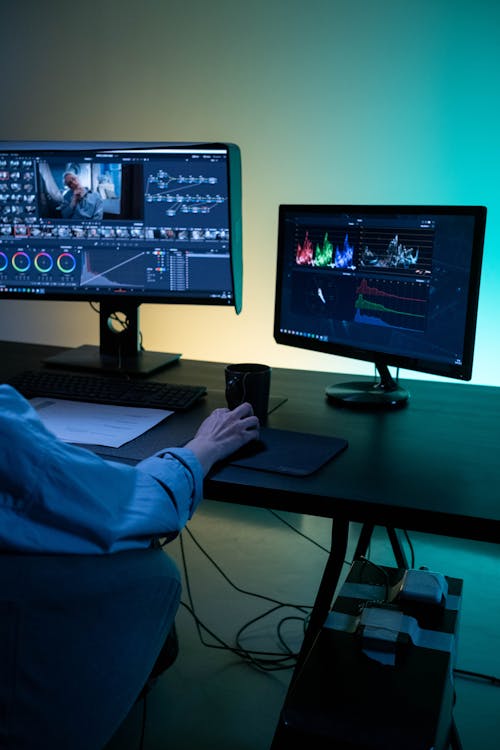
I wanted to make a video for my blog. Nothing fancy, just a 60-second explainer about a tech topic. The problem: I don’t like being on camera, my phone microphone is mediocre, and video editing software has a learning curve I’ve never had the patience for.
Six months ago, none of the AI video generators were good enough to actually use for real content. I tried a few, the results were janky, and I went back to static images. Then I tried them again recently and the jump in quality genuinely surprised me. Something shifted in the last few months.
Here’s what’s actually worth your time in 2026.
What AI video generators can actually do now
There are a few different types of AI video tools, and they do very different things. It helps to know which category you’re looking at:
Text-to-video, You type a prompt or script, the AI generates a video. These range from simple stock-footage-style clips to more complex AI-generated scenes.
AI avatar videos, You type a script, an AI “presenter” delivers it on screen. Useful for explainer videos, course content, product demos. No camera or microphone required.
Video editing AI, Tools that automate parts of the editing process: auto-captioning, scene cutting, background removal, voice enhancement.
I’ve spent time with all three types. Here’s what I actually found useful.
1. Synthesia: Best for faceless explainer videos
Synthesia lets you type a script and choose from a library of AI-generated presenters. The avatar delivers your script in a video with professional-looking backgrounds. The quality is genuinely convincing: not perfect, but more than good enough for YouTube explainers, internal training videos, or client demos.
The voices are where it’s gotten impressive. The AI-generated voices sound natural in a way they didn’t two years ago. You can choose from dozens of voices in different accents, including Indian English accents, which is actually useful.
It’s not free: plans start around $22/month for personal use. But if video content is part of your work strategy and you don’t want to be on camera, this is the most polished option.
2. Runway ML: Best for creative text-to-video generation
Runway is where AI video gets genuinely cinematic. Their Gen-3 Alpha model can create short video clips from text prompts or still images. You describe a scene, “a dog running through a field of sunflowers at golden hour, cinematic style”, and it generates a 10-second clip.
The quality is stunning for what it is. Not perfect (faces and fine details are still challenging) but for B-roll, mood footage, or creative short content, it’s something no other tool can match. The free plan gives you 125 credits to start with. Paid plans start at $12/month.
3. Pictory: Best for repurposing written content into videos
Pictory’s specific use case is converting blog posts and articles into videos. You paste your text, and it automatically finds relevant stock footage, adds captions, and creates a video edit. It’s not as creatively impressive as Runway, but for content repurposing, turning your existing articles into YouTube Shorts or social media clips, it’s the most practical tool I’ve found.

For bloggers and content creators who already write a lot and want to expand into video without starting from scratch, this is the most useful tool in this list. Plans start at around $19/month.
4. CapCut AI: Best free option, especially for short-form content
CapCut is the most popular free video editing app in India right now, and it has increasingly capable AI features. Auto-captions in multiple languages (including Hindi), AI background removal, auto-cut features that remove silences and pauses, and a script-to-video feature that generates short clips from text.
For Instagram Reels, YouTube Shorts, and quick social media content, CapCut is the tool most creators in India are actually using. The learning curve is low, it works on mobile, and it’s free for the core features. The AI additions have made it significantly more powerful than it was even a year ago.
5. HeyGen: Best for personalised video at scale
HeyGen is similar to Synthesia but has a specific feature that’s interesting for sales and marketing: you can create personalised videos at scale. The AI avatar says different names, companies, or personalised details for each version, so you can send what looks like a personalised video to hundreds of prospects without recording each one separately.
It’s expensive compared to the other tools (free plan is very limited), so it’s most relevant for B2B sales teams or agencies with the budget to invest. But the technology is impressive and the personalisation conversion rates can be significant.
Honest limitations
AI video tools are improving fast, but they’re not magic yet. A few realities worth knowing:
Quality ceiling, AI-generated faces, complex scenes, and anything requiring precise realism still have limitations. For professional film, ad production, or anything where visual polish is critical, these tools aren’t ready to replace human production.
Cost vs. quality trade-off, The best-quality tools (Synthesia, Runway) aren’t free. The free tools (CapCut) are capable but limited. There’s no magic free tool that produces broadcast-quality video.
Script still matters, A bad script run through an AI video tool still produces a bad video. The AI handles the visual execution; the quality of your content and storytelling is still on you.
Where to start if you’re new to this
If you want to create video content and haven’t started yet, here’s a practical path:
Start with CapCut. It’s free, it works on your phone, and it has enough AI features to produce competent short-form content. Create a few YouTube Shorts or Instagram Reels. Learn the basics of what makes video content work.
If you want to create longer explainer or educational content without being on camera, try Synthesia’s free trial and make one test video. If the quality works for your use case, it’s worth the monthly cost.
If you have existing blog content you want to repurpose, give Pictory a trial and convert one of your best articles into a video. See if the format works for your audience.
The technology is genuinely good enough now. The barrier isn’t the tools, it’s just deciding to start.

